
Pin the Knowby Capture Extension in Google Chrome
Learn how to pin the Knowby Capture extension in Google Chrome so it's always visible and ready to use in your browser toolbar.
Learn how to pin the Knowby Capture extension in Google Chrome so it's always visible and ready to use in your browser toolbar.
1
Step 1 of 3
Click the Extensions icon (puzzle piece) in the top-right corner of your Chrome browser toolbar.
In the Extensions panel, find Knowby Capture in the list and click the Pin icon next to it. The pin icon will turn solid, indicating the extension is now pinned.
2
Step 2 of 3
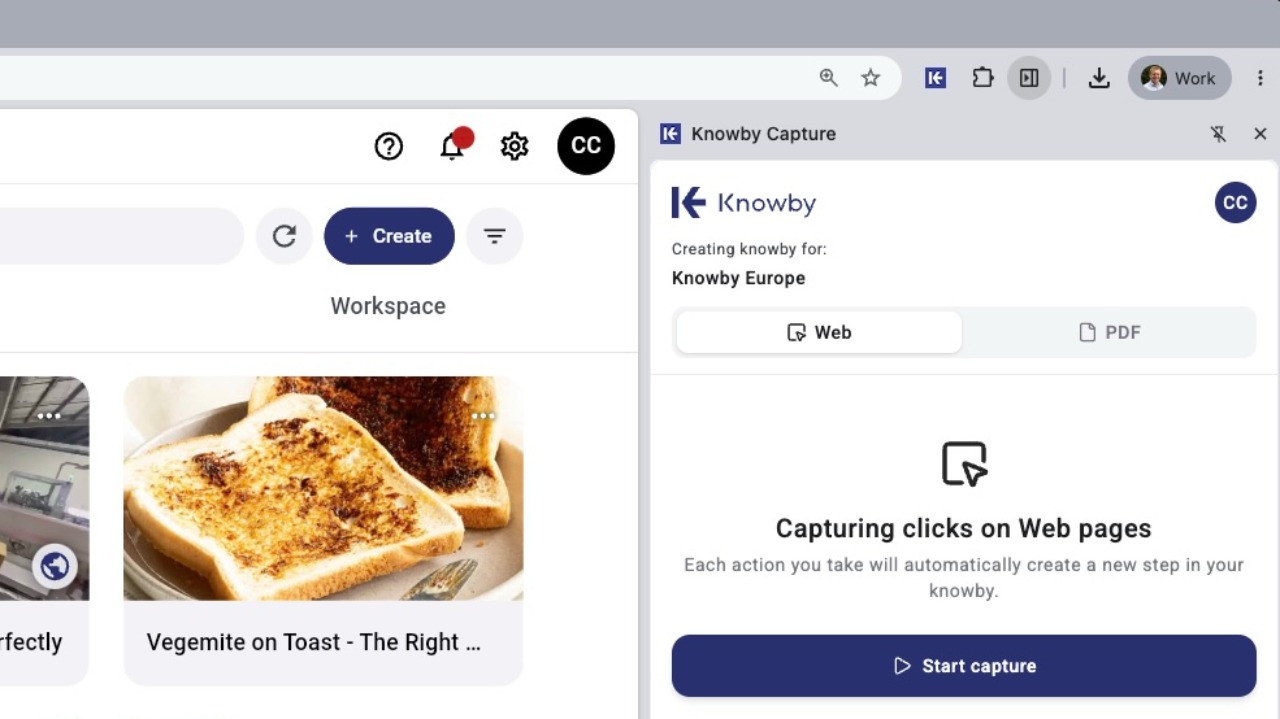
The Knowby Capture extension will now appear directly in your Chrome toolbar for quick access whenever you're ready to start capturing.
3
Step 3 of 3
Clicking on the Knowby Capture extension in your Chrome toolbar anytime will open the side panel so you can start capturing the website you are on.