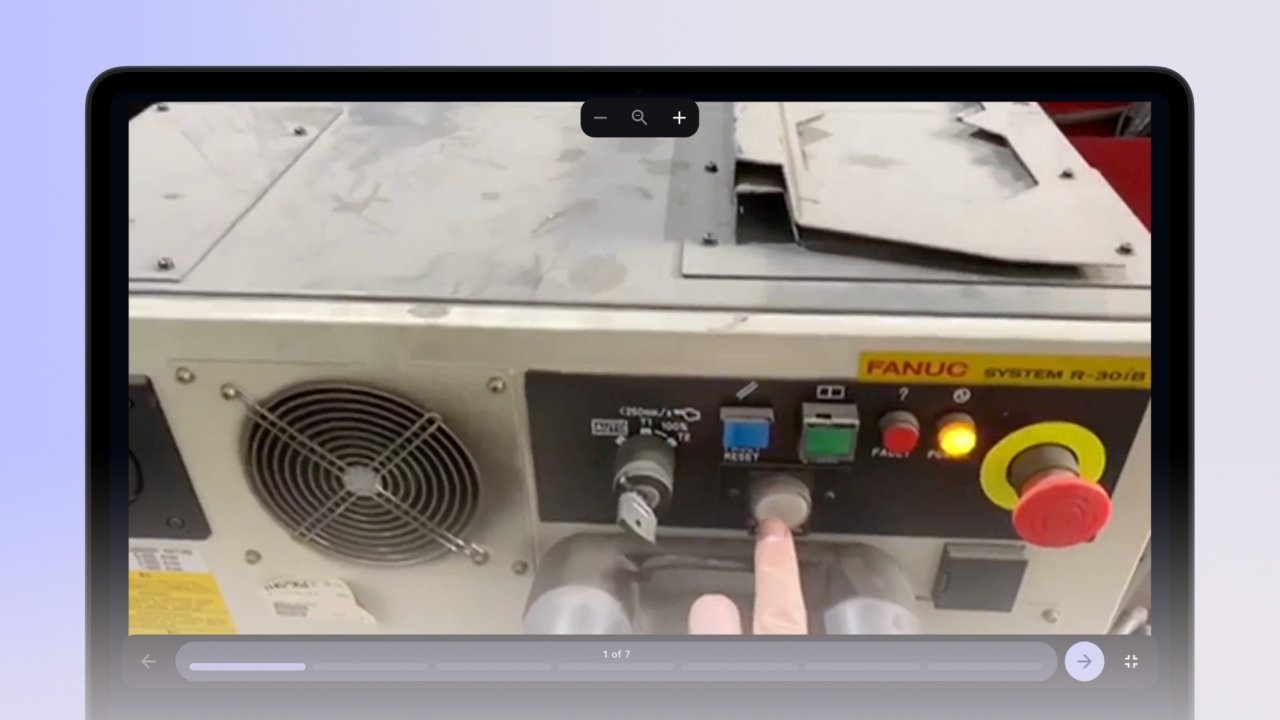
Using Full-Screen Mode
Eliminate distractions with Full-Screen Mode for a clear, immersive experience. This guide shows you how to enter and navigate Full-Screen Mode in knowby.
Eliminate distractions with Full-Screen Mode for a clear, immersive experience. This guide shows you how to enter and navigate Full-Screen Mode in knowby.
1
Step 1 of 4Open any knowby you want to view.
2
Step 2 of 4Click the Full-Screen button (expand icon in the bottom-right corner).
Your knowby will now fill the entire screen for a distraction-free experience.
3
Step 3 of 4Navigate between steps by clicking the arrow buttons or using your keyboard’s left and right arrow keys.
4
Step 4 of 4To exit Full-Screen Mode, press Esc or click the Exit Full-Screen button.