
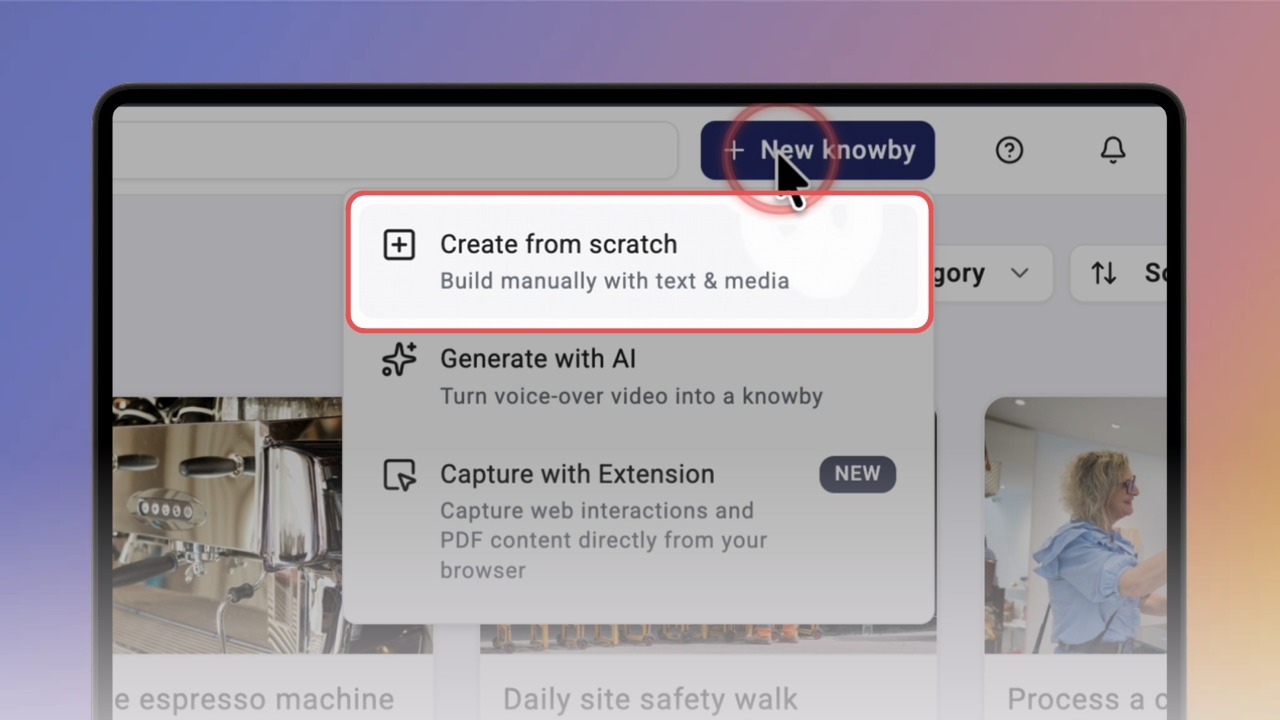
Click New knowby in the header, then choose Create from scratch. The editor opens with the Select Base Language window.
Select your base language: the language you write the knowby in. It is the source for all future translations. Click Confirm.
Note: this is a one-time setup and can't be changed later.
You start on the Details tab. Add a cover image: click Browse (or drag an image into the grey area), crop it to 16:9 and click Save.
Good to know: every change is saved automatically, so your progress is kept as a draft.
Enter the Title (we recommend up to 60 characters) and a short Description (max 280 characters).
Under Optional Settings you can also set a next review date, the estimated completion time and an internal reference ID.
Click the Steps tab to start building your steps. When you're finished, click Done in the top right. The draft preview opens.