
Filter knowby by Category
Learn to effortlessly explore Knowby by using the "Category Filter" button with this quick tutorial. Streamline your browsing experience and find exactly what you're looking for.
Learn to effortlessly explore Knowby by using the "Category Filter" button with this quick tutorial. Streamline your browsing experience and find exactly what you're looking for.
1
Step 1 of 5To start using the filtering by category feature, simply click on the filters icon next to the «+ Create» button. Note: you select the knowby category while creating or editing in the Categories tab.
2
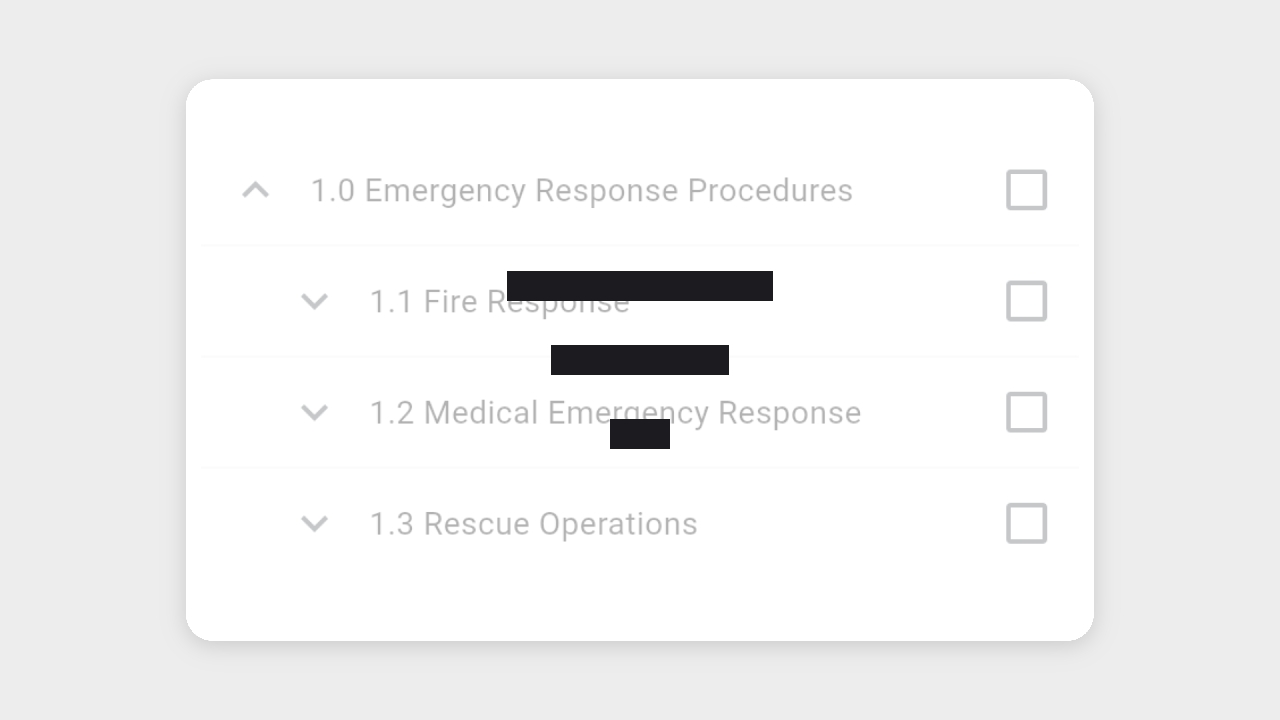
Step 2 of 5Explore a variety of options, including categories, subcategories, sub-subcategories etc. To view knowby in a specific category, click on the checkbox on the right side of the category name, and then close the category menu by clicking on the cross.
3
Step 3 of 5A small blue dot on the filters button indicates that you are currently browsing knowby by category.
4
Step 4 of 5You can also select multiple categories/subcategories to view knowbys at the same time.
5
Step 5 of 5Click the "Reset" button to deselect all categories and return to the default view.