Assign an Approver for your Entire Organisation
Control who can approve Knowbys across your entire organisation. Approvers assigned here can approve any Knowby visible to all members, including public Knowbys. Use this setting to manage approval authority at the organisation level
Control who can approve Knowbys across your entire organisation. Approvers assigned here can approve any Knowby visible to all members, including public Knowbys. Use this setting to manage approval authority at the organisation level
1
Step 1 of 5
Start on the Knowby Home Screen: Knowby Pro
⚠️ You will need to be an admin to assign approvers to your Entire Organisation.
2
Step 2 of 5
Click on the Settings icon ⚙️ in the top right hand corner.
3
Step 3 of 5
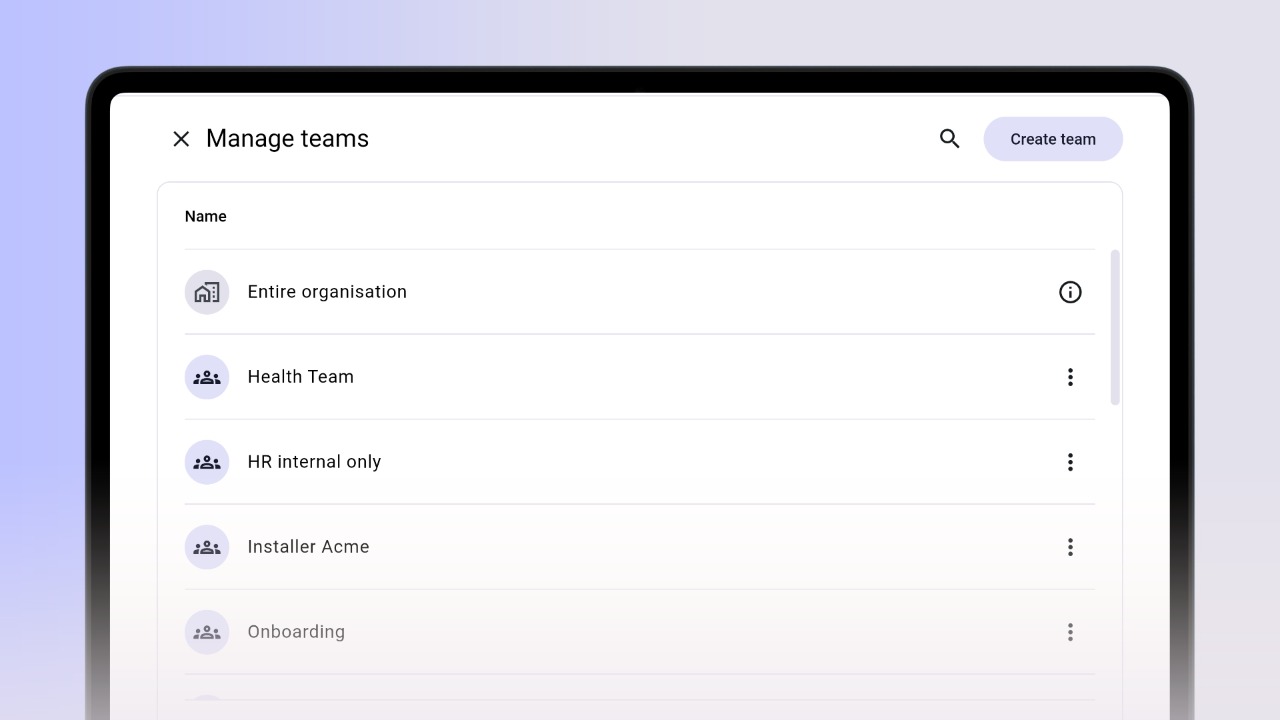
Click Manage teams.
4
Step 4 of 5
Click Entire Organisation.
5
Step 5 of 5
Toggle the slider to enable or disable Approver rights for a user.
⚠️ Admins are approvers by default.