
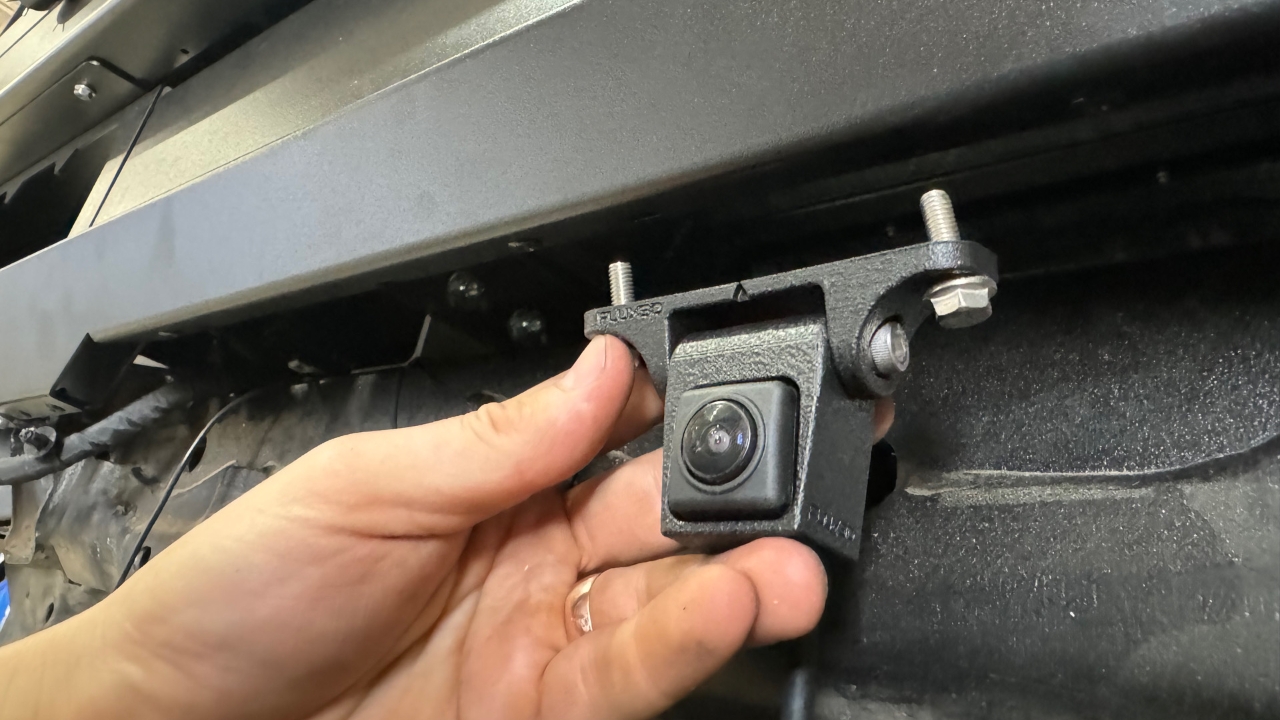
Re-Fit Camera, Ineos Grenadier
1
Step 1 of 11It should look like this once installed
2
Step 2 of 11
Identified the supplied 3-D printed camera bracket
3
Step 3 of 11Identify the Camera
4
Step 4 of 11
5
Step 5 of 11This plastic shroud can be discarded
6
Step 6 of 11
Insert the camera into the camera bracket then refit the plug to the back of the camera
7
Step 7 of 11It should look like this when the camera is fitted to the bracket
8
Step 8 of 11
Fit to the vehicle
9
Step 9 of 11It looks like this when complete
10
Step 10 of 11
With the second person adjust the angle of the camera so it is suitable
11
Step 11 of 11It should look like this once installed