
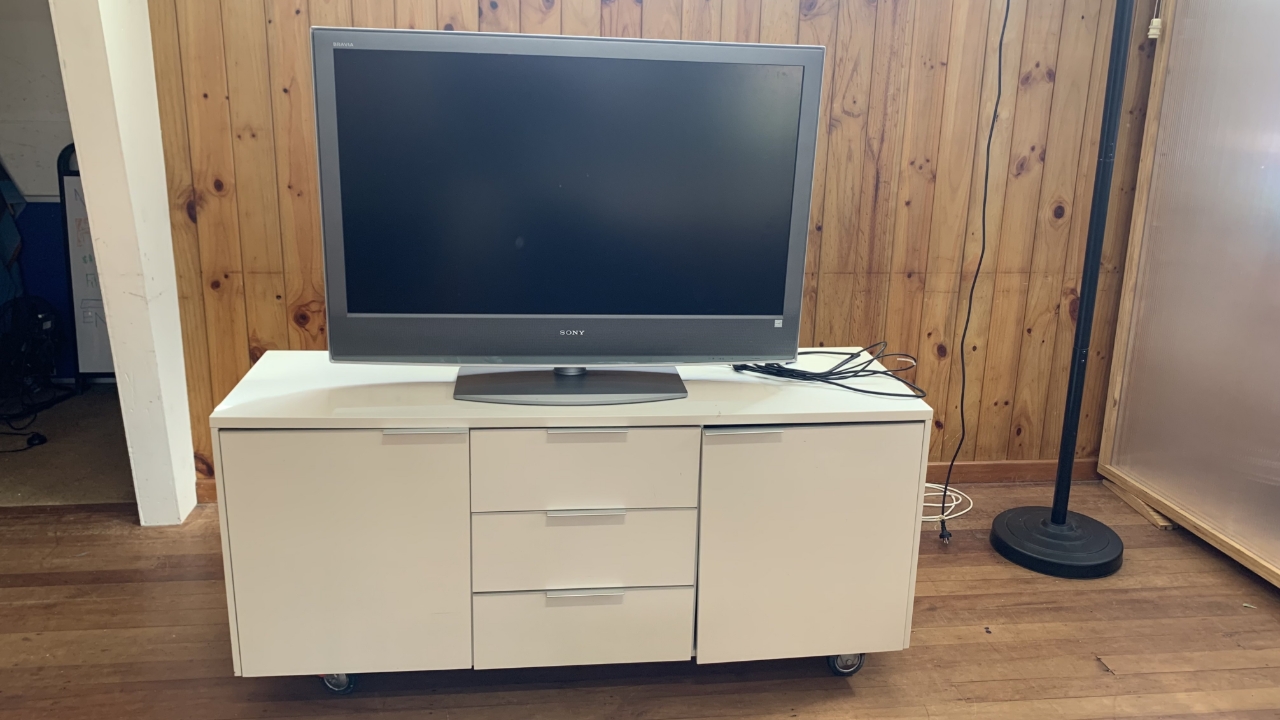
How to use the TV
Step-by-step instructions of how to operate the TV
Step-by-step instructions of how to operate the TV
1
Step 1 of 5
You can shift the TV to the desired position in the hall by rolling it.
Check all cords are out of the way before moving the TV
2
Step 2 of 5Plug the TV into a power source
3
Step 3 of 5
Connect one of the two cord options to your device
4
Step 4 of 5
The TV controls are on the top of the TV
Turn the TV on if needed then press the input button (red arrow) until your device shows up on the TV
5
Step 5 of 5
Once you've finished using remember to put the TV back where you found it