
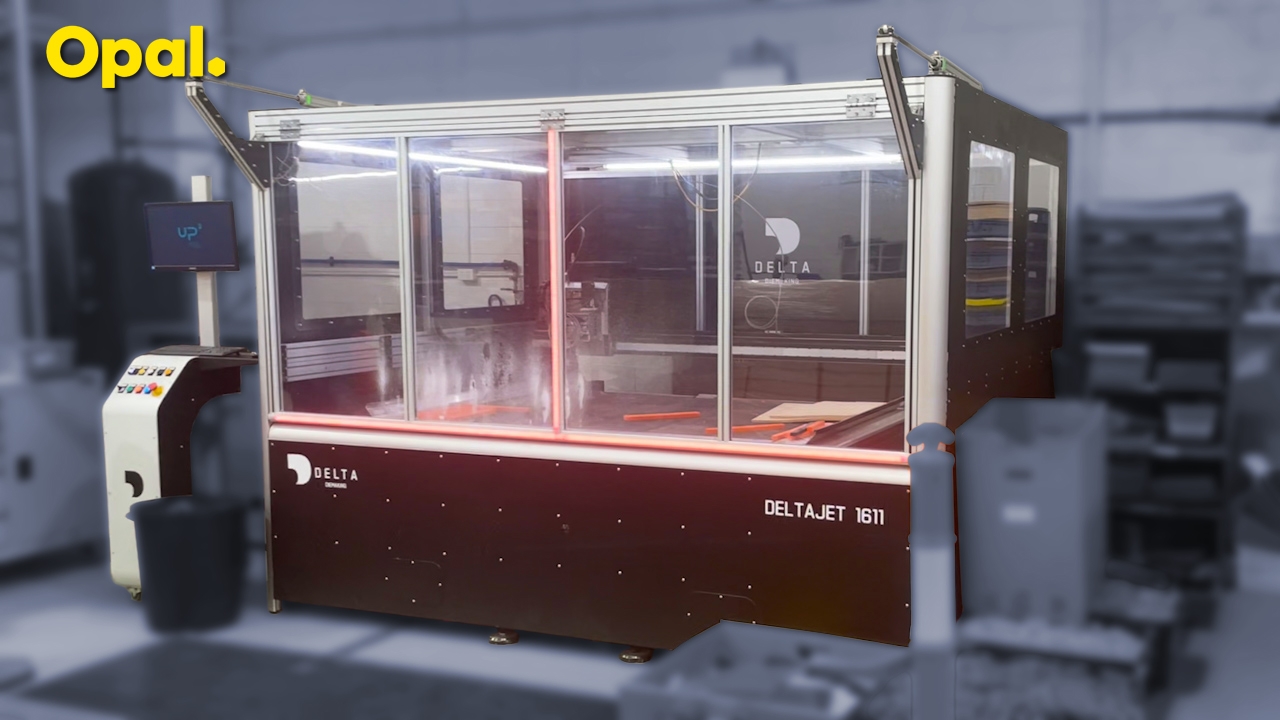
Check Tank Air Pressure:
Check air pressure gauge on the air tank. 700kpa (black mark) is the ideal pressure.
Power Up Water Jet Machine:
Switch on the two isolator switches marked 'DB3'. The lights on the jet cutter access door will illuminate.
Switch On Machine Software:
When computer boots up, click on the 'ISO US' icon on the desktop.
Clear messages from error window by clicking on ecape icon multiple times.
Clear CNC Alarms:
To clear alarms from the alarm screen, press buttons on control panel:
Reset Emergency (blue)
Overtravel Bypass (red)
Drive On (geen)
You will be left with one 'pump anomaly' (E554)
Start Water Jet Pump:
To start pump and clear pump anomalies, use the touch screen on the pump.
Touch the 'ECOTRON' button on the screen
Set language to English:
Touch blue 'Menu' button
Touch button marked 'Parameter'
Touch the field named 'Sparche'
Enter '1' for english using numeric keypad
Press 'Enter'
Press the 'Back' (<--) button
Set Parameter Stroke Rate:
Touch blue 'Menu' button
Touch button marked 'Parameter'
Touch the 'Stroke rate max' field
Enter '17' using numeric keypad
Press 'Enter'
Press the 'Back' (<--) button
Set Value:
Touch blue 'Menu' button
Touch button marked 'Set value'
Set value to external (ext.)
Set Pressure switch to external (ext.)
Set Waterjet valve to external (ext.)
Press the 'Back' (<--) button
Clear Pump Anomaly:
On the computer screen, click on 'Reset alarms'.
The alarms panel should display ma message 'NO CNC ALARMS'.
The jet cutter access door lights should now be white.
Note: if door lights are still red, check the CNC alarm panel on the computer screen.