
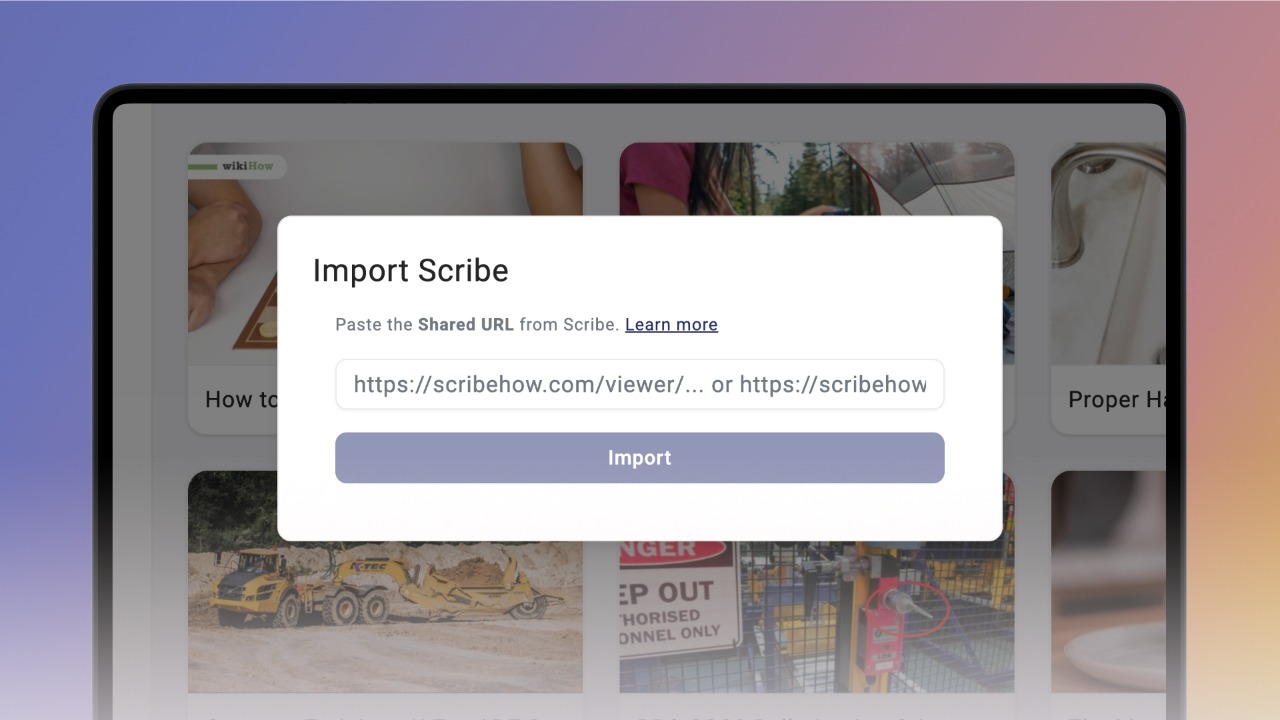
If you use Scribe, you can import your guides directly into Knowby instead of building them again from scratch.
Open your Scribe and click the Share button in the top right corner.
In the dialog box, stay on the Share tab and select Scroll in the Viewing Mode section.
Click the dropdown in the bottom left corner and select Anyone with the link can view.
Click Copy Link inside the dialog box — your Scribe is now ready to import.
Go to Knowby Pro, click Create → Import from Scribe, paste the link into the text field, and click Import.
The import will start, and a matching card will appear in your Drafts.
Once the import's done, your knowby is ready as a draft.
Knowby brings in all the steps, text, and even the red click dots from your Scribe.
From here, you can edit, publish, and share your knowby just like any other.