
Record iPhone Videos in H.264 (Most Compatible Format)
Change your iPhone camera settings to record videos in H.264 instead of HEVC, ensuring videos play and edit correctly across all browsers, especially Microsoft Edge.
Change your iPhone camera settings to record videos in H.264 instead of HEVC, ensuring videos play and edit correctly across all browsers, especially Microsoft Edge.
1
Step 1 of 4
Open the Settings app on your iPhone or iPad.
2
Step 2 of 4
Select Camera >
3
Step 3 of 4
Then select Formats >
4
Step 4 of 4
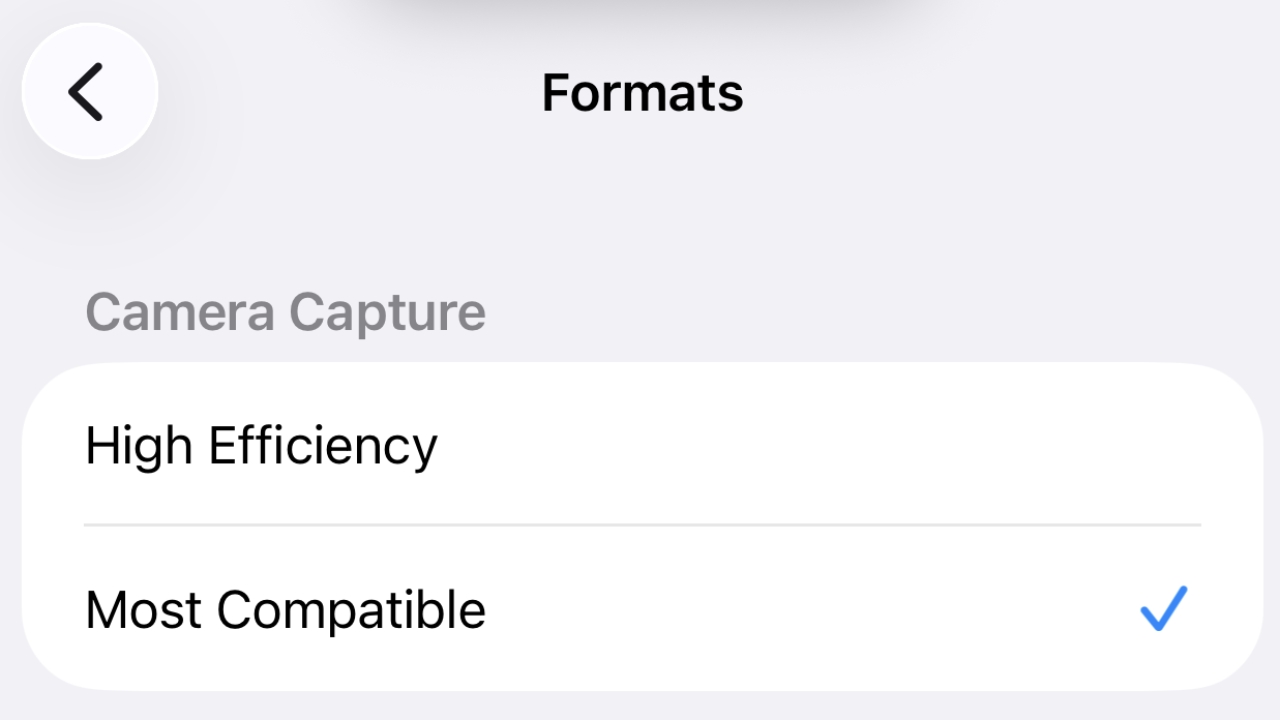
Under Camera Capture, select Most Compatible.