
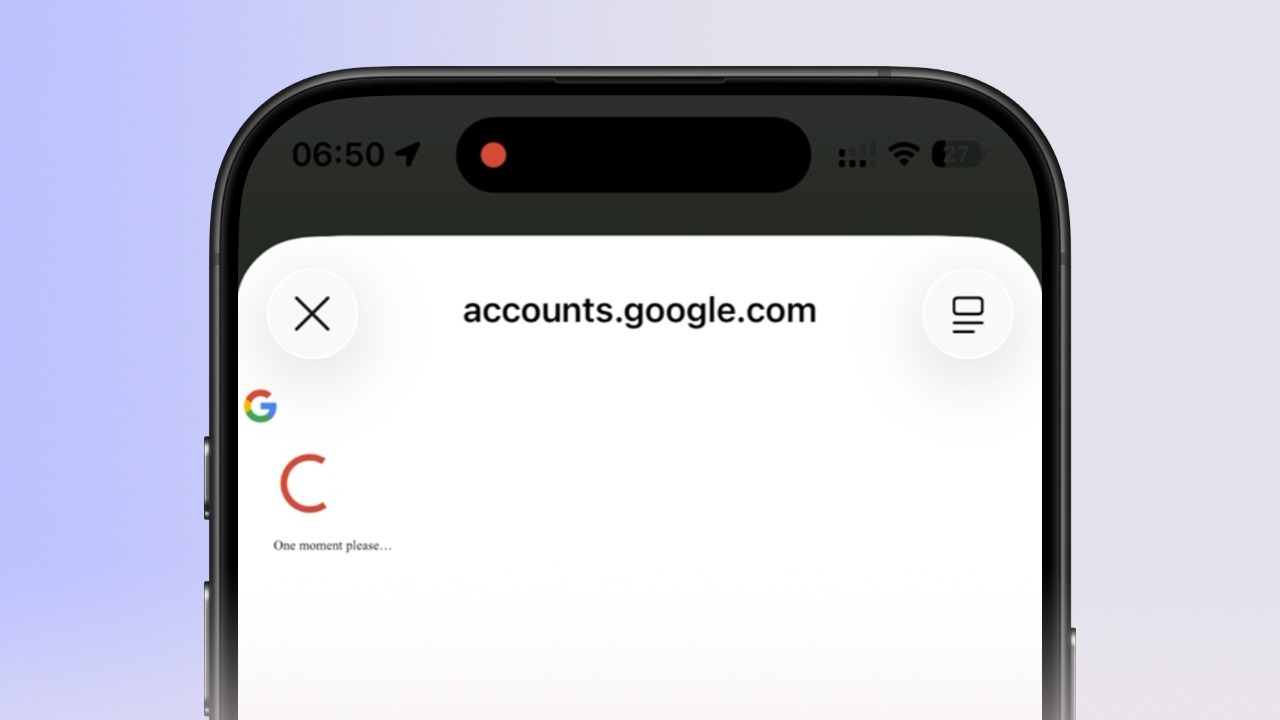
Google Sign-In Stuck on "One Moment Please"
If the Google login screen gets stuck on a loading loop, clearing your Safari cache will refresh the connection. Follow these steps to resolve the issue on your iOS device.
If the Google login screen gets stuck on a loading loop, clearing your Safari cache will refresh the connection. Follow these steps to resolve the issue on your iOS device.
1
Step 1 of 5
Open iOS Settings
Locate and tap the Settings icon on your iPhone.
2
Step 2 of 5
Navigate to Safari
Scroll down through the list of applications and tap on Safari or use search.
3
Step 3 of 5
Select Clear History
Scroll toward the bottom of the Safari settings page and tap Clear History and Website Data.
4
Step 4 of 5
Confirm Data Deletion
Select All History and tap Clear History to confirm the removal of cached data and cookies.
5
Step 5 of 5
Relaunch and Sign In
Close the app completely, relaunch it, and attempt the Sign in with Google process again.