
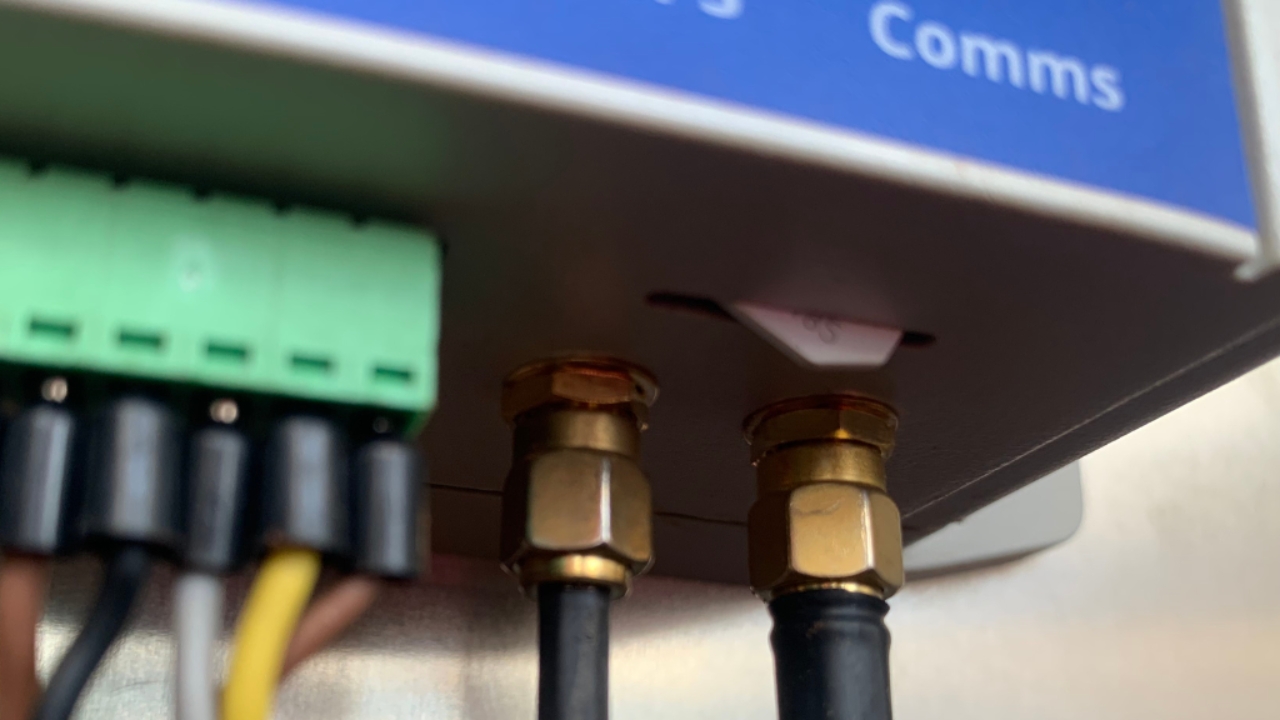
External SIM pushed in too far
1
Step 1 of 7
Unscrew WIC2 box from the backboard
2
Step 2 of 7
Unscrew back plate from WIC2 box
3
Step 3 of 7Pull the tile out
Push the tabs back on the end and pull out the tile
4
Step 4 of 7SIM card direction
Note the shape of the sim - this is how it goes in
5
Step 5 of 7Insert SIM card
Ensure the gold faces down
Push SIM in the whole way
6
Step 6 of 7Replace tile
Put the tile into the bottom slot at a 45* angle
Pull the tabs back again and push it in
7
Step 7 of 7
Screw the back plate back on to the WIC2
Screw the WIC2 on to the backboard