
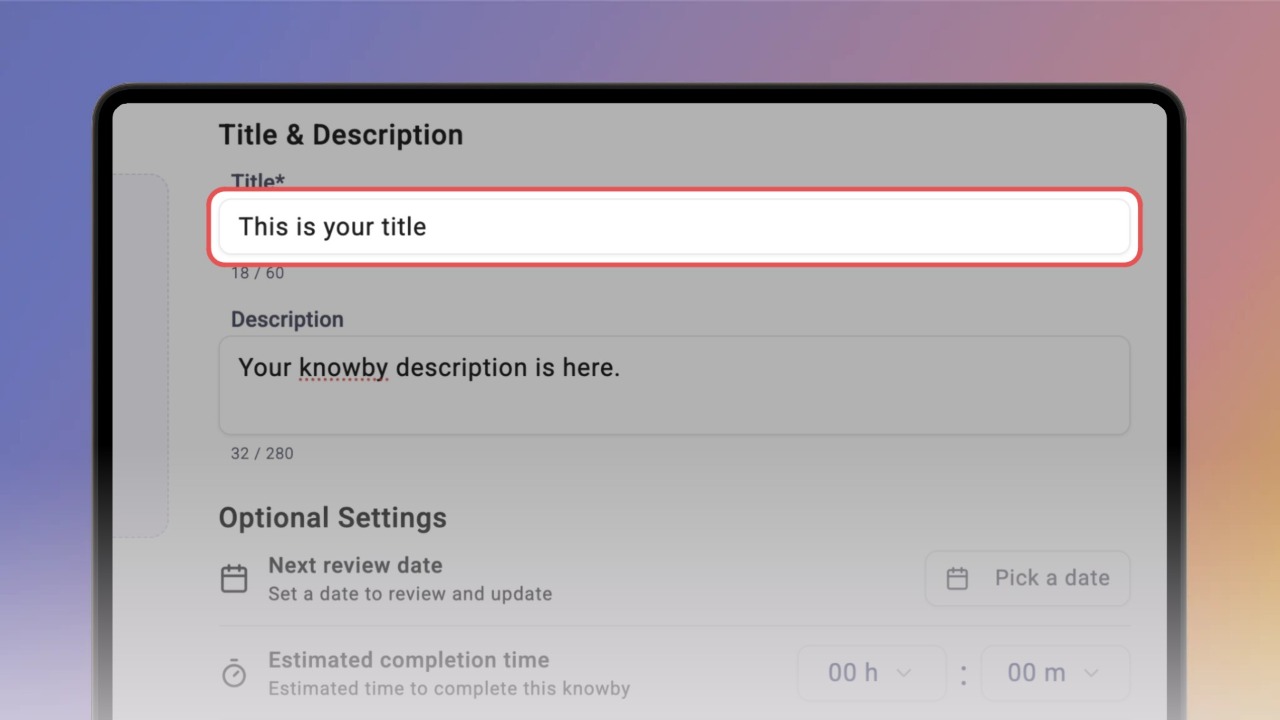
Write the title and description
Learn how to write clear titles and descriptions for your knowbys, keeping them concise, readable, and within character limits.
Learn how to write clear titles and descriptions for your knowbys, keeping them concise, readable, and within character limits.
1
Step 1 of 3Click the Title field and type a title.
The counter below shows how many of the 60 recommended characters you've used.
Keep it short and specific — say what the knowby is about in a few plain words.
2
Step 2 of 3Click the Description field and add a short summary — up to 280 characters.
Explain the main purpose in simple words. Leave the details for the steps.
3
Step 3 of 3Click Done. Your title and description now appear at the top of the knowby, so people know what it covers before they start.
Good to know: a title can be up to 90 characters and a description up to 350 — past the recommended length, the counter turns red. Shorter reads better on every screen.