
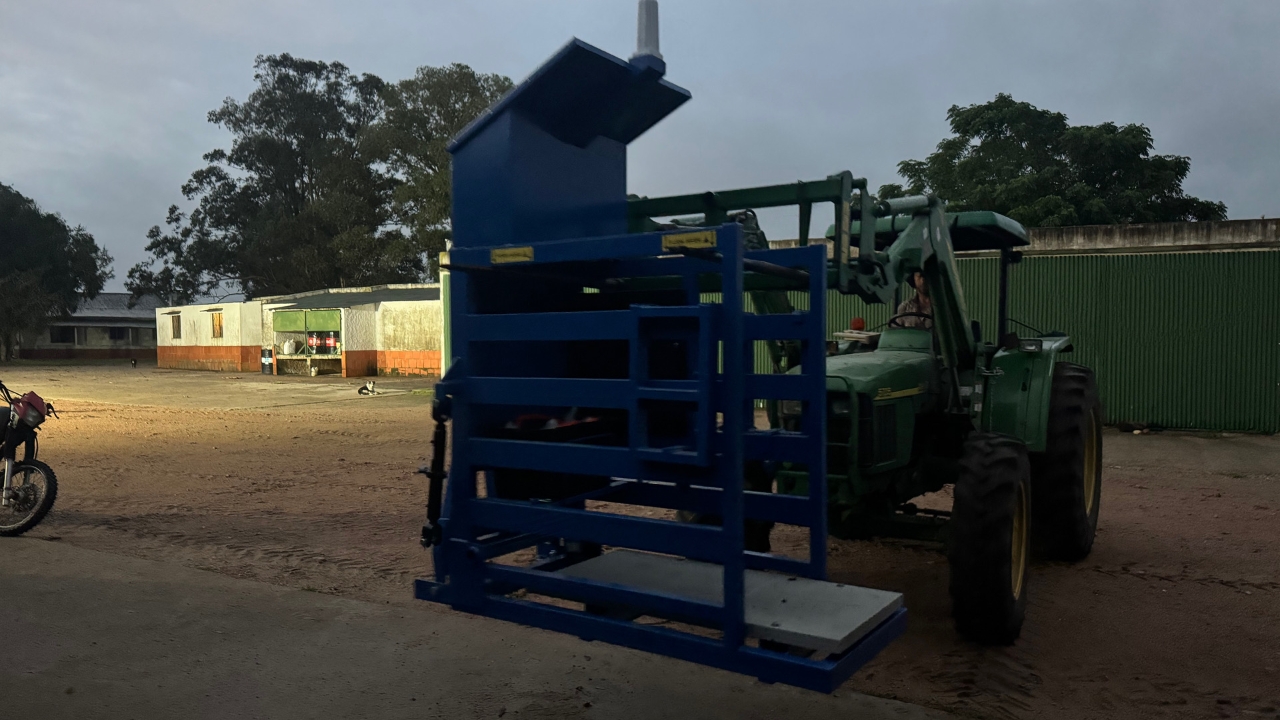
Getting started with your new Optiweigh
Getting it ready for use
Getting it ready for use
1
Step 1 of 9
Remove packaging and lay out the wheels and axel
2
Step 2 of 9
Secure the wheels in place with the axel
3
Step 3 of 9
Connect the ratchet jacks
4
Step 4 of 9
Adjust the settings for the size of the cattle:
- Side panels so only one animal can enter at a time
- Tub position for access with only two feet in the platform
5
Step 5 of 9
Check all the plugs are connected and switch it on
6
Step 6 of 9
Download the Optiweigh App:
- Click on ‘Unit Maintenance’
- Connect to the unit with WiFi
- Click on ‘Check Unit’ to zero the scales and to check the weight and tag read
7
Step 7 of 9
Wind down the wheels with the handle and take it to the animals
8
Step 8 of 9
Use the Optiweigh App or web portal to start a weighing session.
(In future each time you change mobs or groups of cattle start a new session)
9
Step 9 of 9
Set it up:
- On a flat spot
- Solar panel towards the sun
- Raise the wheels
- Fill the tub
- If using dry lick
- Put the limiter plate on top of it