

To print a sticker, scroll down to the output line and click print.

Click on Finished Good Tag (which is your job sticker).

Leave the No. of copies at zero (0).
Click the print button.

Depending on where you are the closest printer might be the south printer, which is located in stores.
If that is the case then click print.

Depending on where you are the closest printer might be the north printer, which is located at the roller door line.
If that is the case then click print.

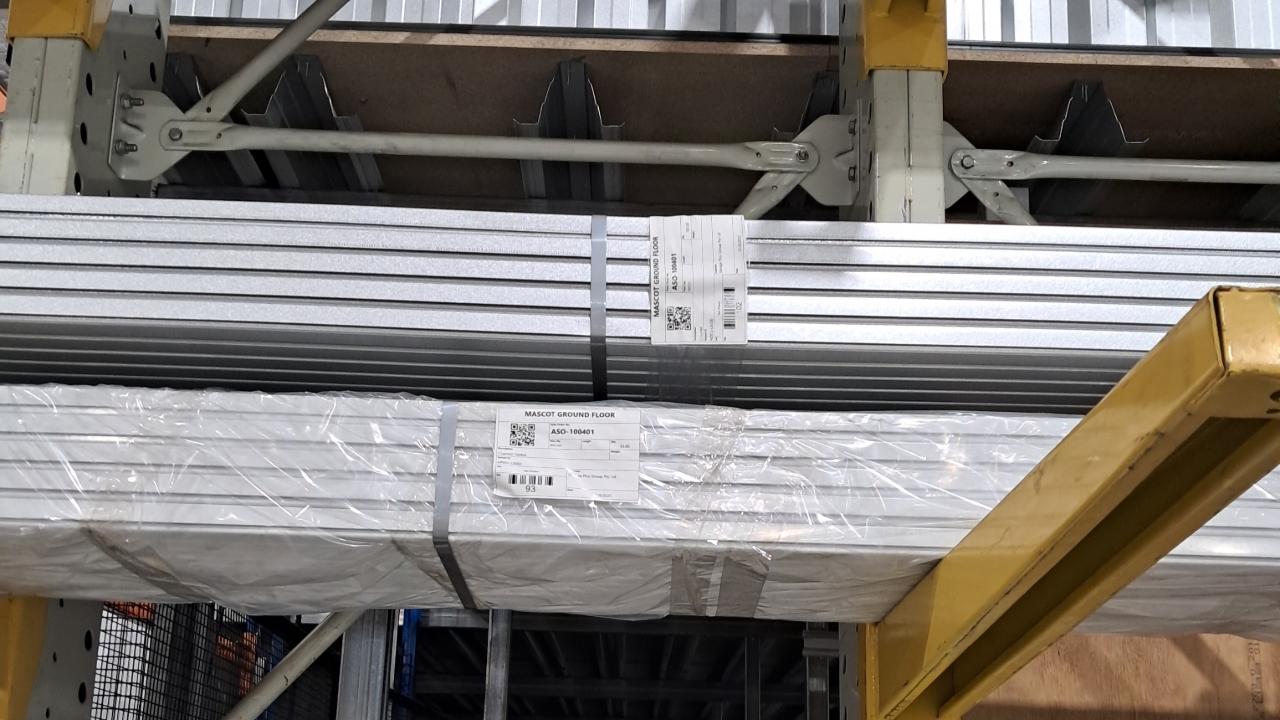
Once you have collected your sticker, stick to the left side of your product.

If you need to make multiple pack.
e.g. roller doors or if the amount is over than the packing standard e.g. v5000 is 100 per stillage.
You will need to change the quantity to the number you need for the pack.

Type in the amount you need, then click output.

Once you've clicked output it will add the remaining amount into another output line, continue this step if needed for more packs.

Follow steps one to five to print the stickers.
With the multiple output lines multiple stickers will appear. Once they appear, hit print and follow step 6 and then youre done.