
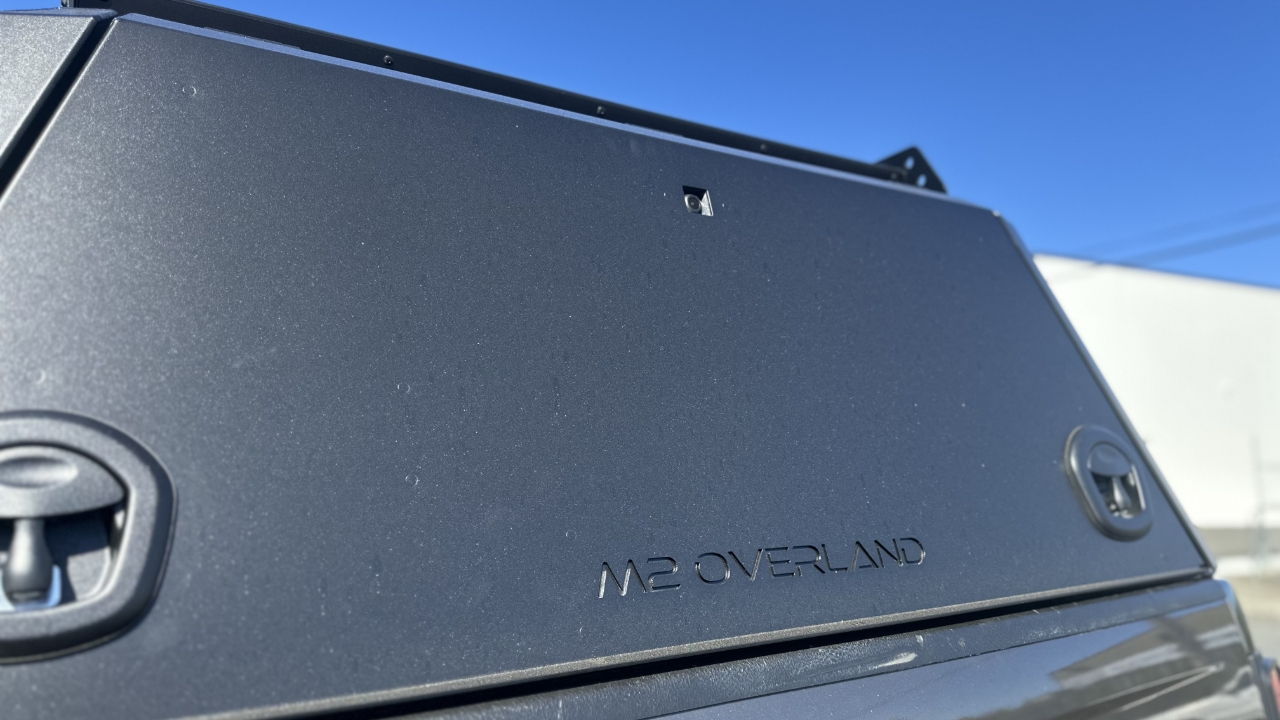
Take the camera and remove the x2 small black screws that secure the bracket. Keep these screws. Place a gasket in your camera mount and feed the camera through like so.
Screw the x2 small screws back in to the camera. Take the extension and cut the red wire off. Feed it through the rear door like so.
Place the camera mount gasket on the rear door and the camera mount over top. Plug the camera and the extension together. Fasten the camera mount to the door using a spring & flat washer with a M6 nut.
Place x2 cable tie stickers underneath the camera mount and cable tie the wire. Feed the rest of the extension up with the central locking and cable tie together. Try and hide the extension behind the central locking housing. Place a length of shrink wrap over the end of the extension at the point where the wire will feed through the cable gland. Shrink with the heat gun.
Once that is done, feed the wire through the cable gland at the point of the shrink wrap and tighten the cable gland. Cable tie the slack of the wire to the central locking housing. Your gator camera canopy assembly is now complete.