
Fill in a form and complete a knowby
Answer the form fields in a knowby, mark it as complete, and pick up where you left off if you leave early.
Answer the form fields in a knowby, mark it as complete, and pick up where you left off if you leave early.
1
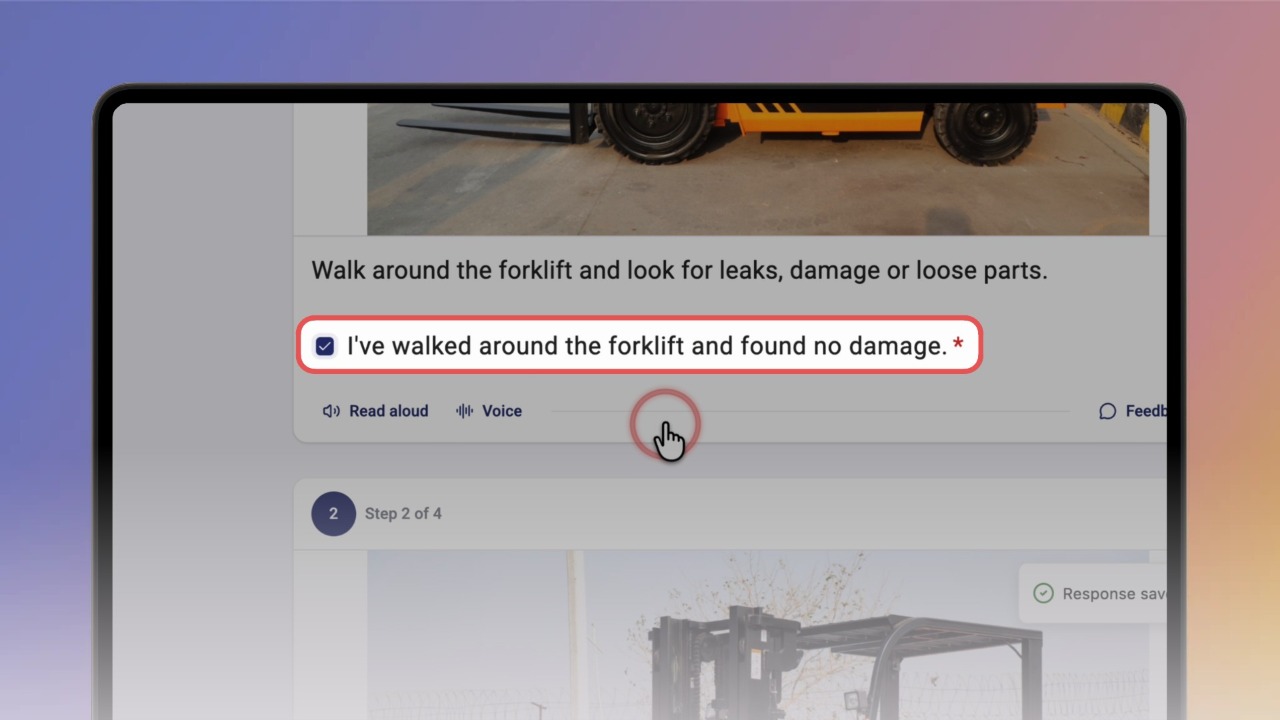
Step 1 of 3Open the knowby and answer the form fields under each step. For example, tick a checkbox or choose an option.
Good to know: Each answer saves automatically, and you'll see Response saved.
2
Step 2 of 3Scroll to the end. On the You're all set! card, click Mark as Complete. You return to the home screen.
Tip: Rating the knowby with the stars is optional.
3
Step 3 of 3Need to stop before you finish? Click X, then click Exit.
When you open the knowby again, the Resume Session window appears. Click Continue to pick up where you left off.