
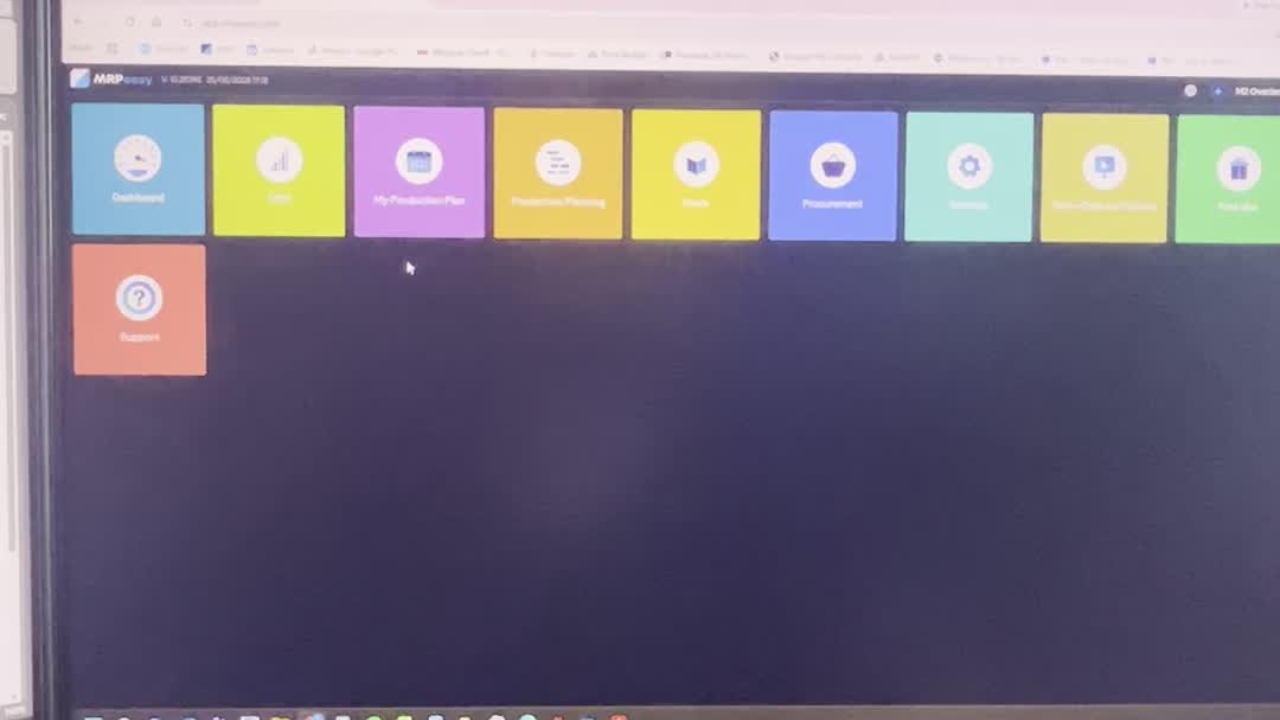
How to create a new part in MRP Easy
How to create a part in MRPEasy.
How to create a part in MRPEasy.
1
Step 1 of 7How to create a part in MRPEasy.
2
Step 2 of 7Click on stock.
3
Step 3 of 7Click on create. Enter your part number into this field.
4
Step 4 of 7Part description in this field. Select the product group that it belongs to.
5
Step 5 of 7Choose your unit of measurement. Hours, meters, pieces or set.
6
Step 6 of 7Add in the weight if applicable, the revision and what colour you would like it to be.
7
Step 7 of 7And click save.