Knowby
Dairy Systems
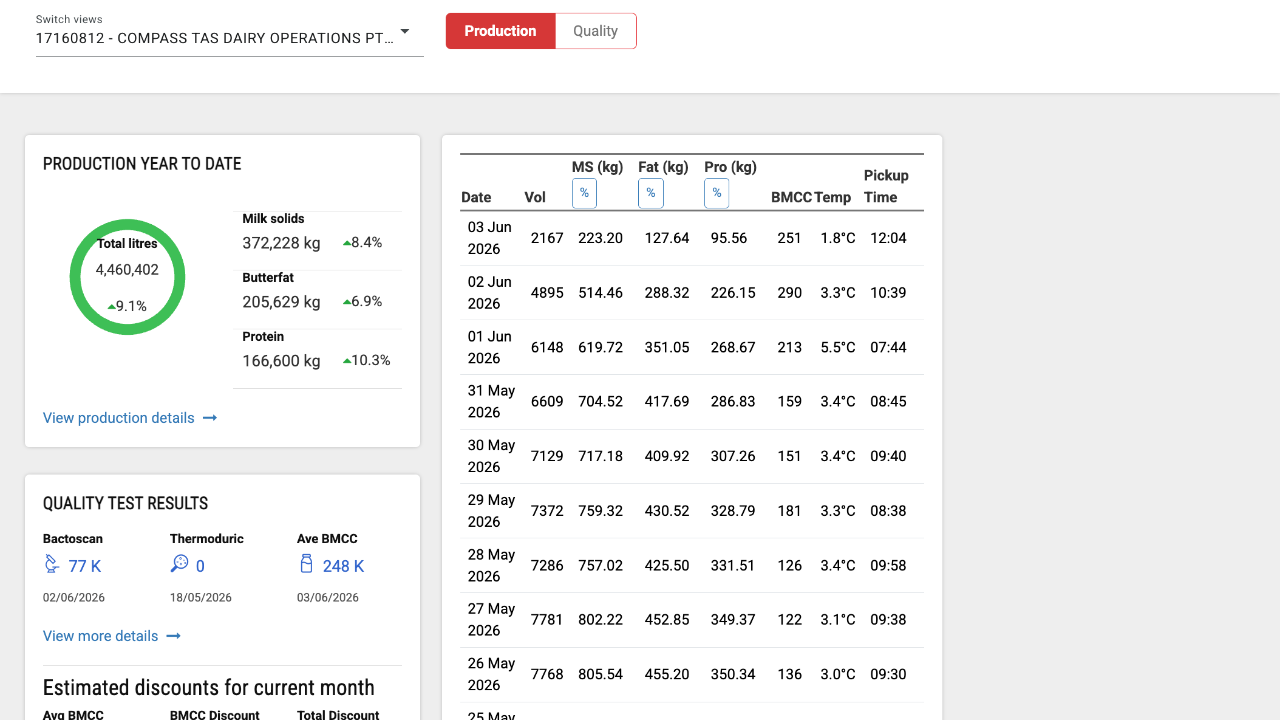
Auto milkroom pull
Knowby created from browser extension capture session at 11/08/2026, 18:39:20
Knowby created from browser extension capture session at 11/08/2026, 18:39:20

2
Step 2 of 5
Click here.
3
Step 3 of 5
Click "17166810 - COMPASS TAS DAIRY OPERATIONS PTY LTD - W".
4
Step 4 of 5
Click "View production details".
5
Step 5 of 5
Click every box to turn them off except.
Fat, Protein, Lactose and BMCC
Now pull all data (% only) from current season only on the screen that hasn't already been pulled.
If there is little data due to early season still only pull this seasons data.
Graph them all with the the X axis the date.
Also create another category that is protein % / fat %.
Make the graph in a form I can download.
Just create the graphs don't ask me for permission.