Knowby
Grants
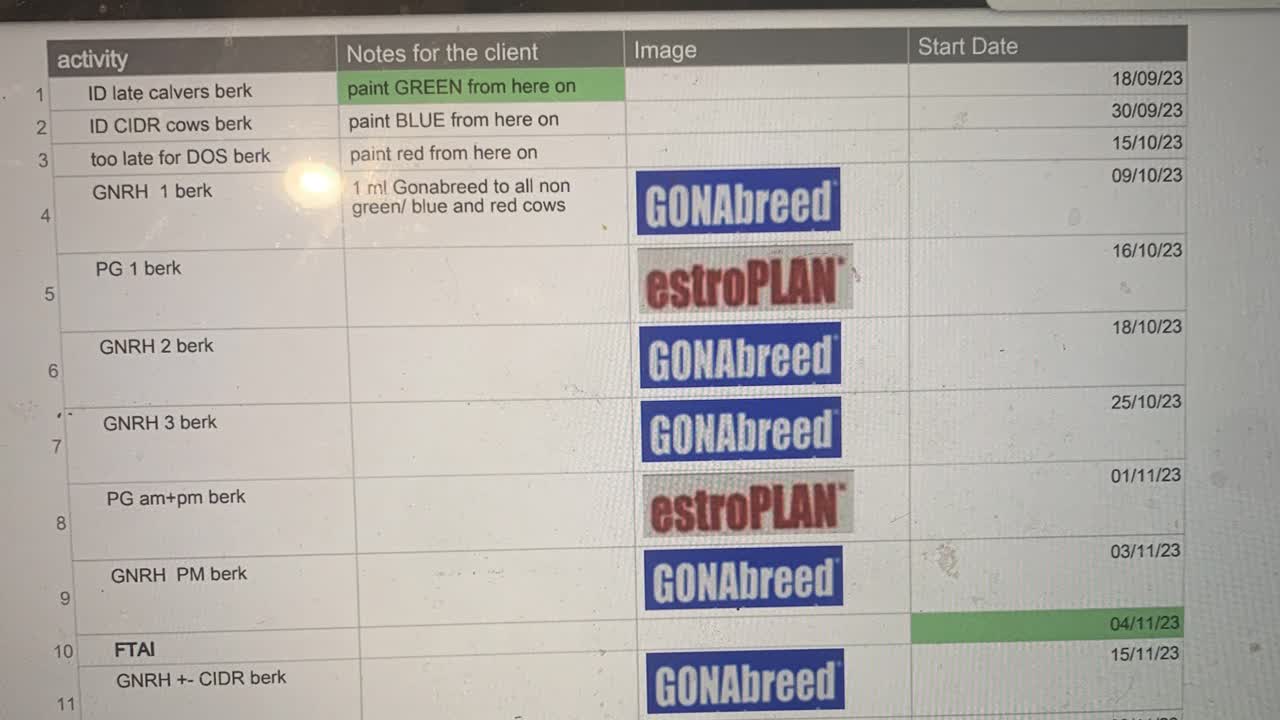
Smartsheet report creation
1
Step 1 of 7
In reports
2
Step 2 of 7
Open a Repro report and just file, save as new and rename it.
3
Step 3 of 7
Open sheet and choose the farm sheet you want the report made for.
4
Step 4 of 7
Open filters and under 1 value selected open it up and choose the Repro program you want report on. You’ll have to unselect the program that was used in the last report if it was a different one so you only have one program. Then ok
5
Step 5 of 7
Don’t alter the second row. This is how the QR code and notes are bought in.
6
Step 6 of 7
If the columns are in the wrong order highlight and drag.
7
Step 7 of 7
Now export to pdf and email. You should have chosen. Entire sheet. Portrait. Fit to width. Logo. Sheet name. Date time stamp.