
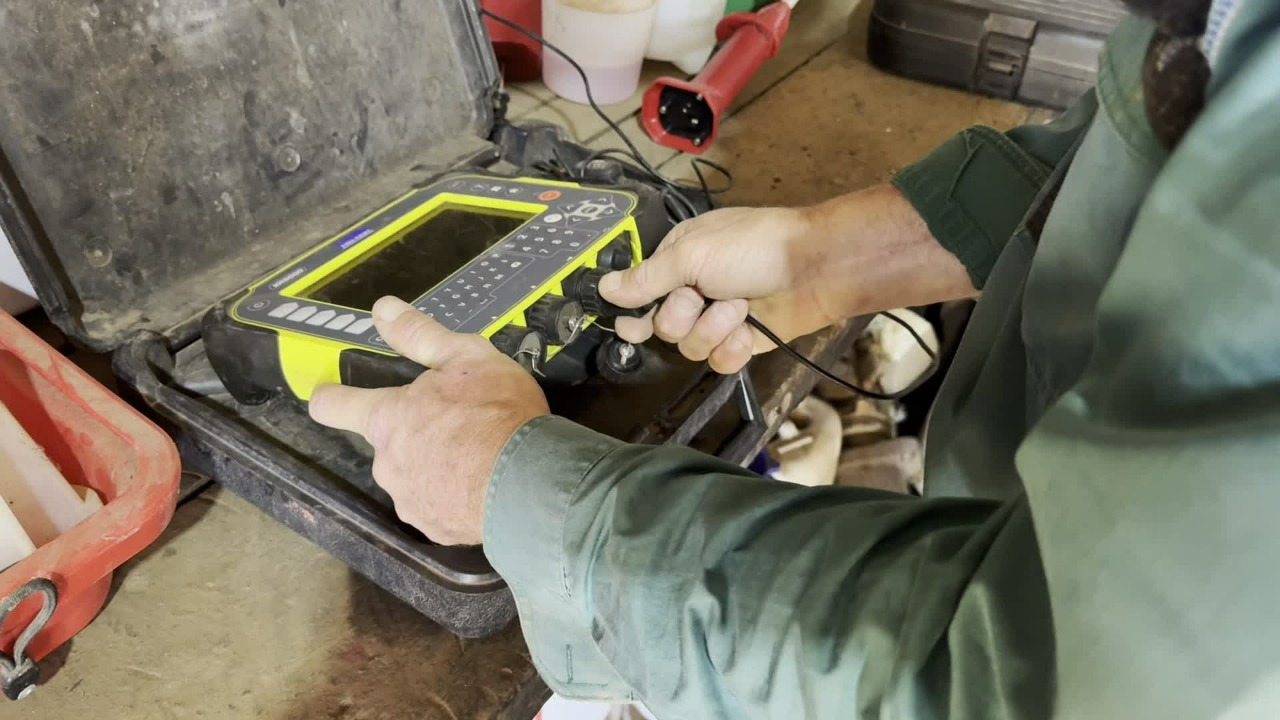
XR5000 - put this on charge by plugging into the charging port (symbolised by a power cord icon).
To confirm that it is charging, turn the device on and wait for it to start up.
Once turned on, confirm that the device is successfully charging by looking for the battery with a lightning bolt in the top left-hand corner.
After we see that, we turn the system off. You will continue to see the battery charging symbol.
Leave on charge with the lid closed (do so gently).
Stick Reader - open the case and plug the charging cord into the end of the reader.
Store in the case and check that it is charging properly by looking for the battery icon.

Navigate to Resolution to view a copy of this procedure - tag: STANDARD OPERATING PROCEDURE.
Then, navigate to the Staff Training Acknowledgement Declaration form to confirm your understanding of this course.