Knowby Pentair Water
Knowby
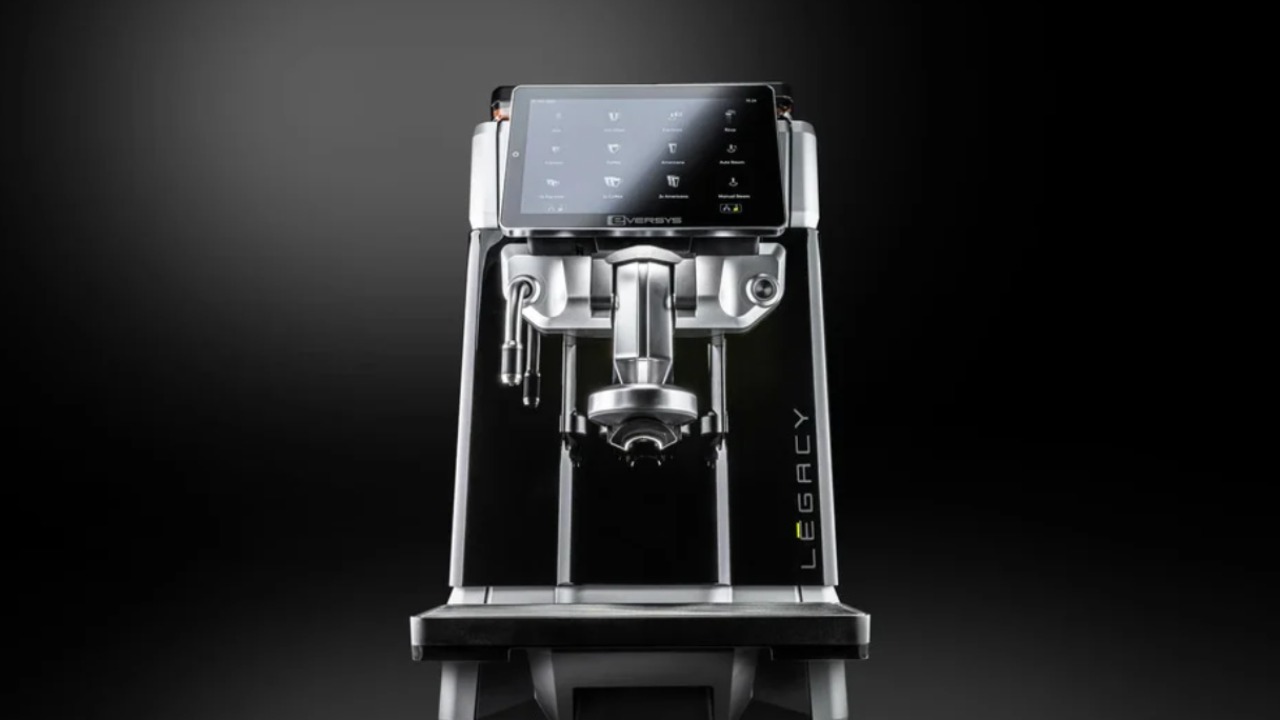
Setting an Eversys coffee machine to work in conjunction with a Claris Ultra water filter
How to set the Eversys coffee machine to run with a Claris Ultra cartridges. When set correctly the machine will indicate when the cartridge needs to be changed based on water hardness and capacity.
1
Step 1 of 10
<p>From the home maintenance screen press the maintenance icon on the bottom row.</p>

From the home maintenance screen press the maintenance icon on the bottom row.

2
Step 2 of 10
<p>Press the water filter icon from the top row. ( Blue water drop )</p>

Press the water filter icon from the top row. ( Blue water drop )

3
Step 3 of 10
<p>Press filter guide icon from the top of the screen</p>

Press filter guide icon from the top of the screen

4
Step 4 of 10
<p>Select filter manufacturer </p>

Select filter manufacturer

5
Step 5 of 10
<p>Select Claris ( Pentair Everpure )</p>

Select Claris ( Pentair Everpure )

6
Step 6 of 10
7
Step 7 of 10
<p>Filter Setting Screen.</p><ol><li><p>From this screen we must enter the correct carbonate hardness of the water the machine is running on. Please enter this under the first parameter carbonate hardness. If unsure please contact your service manager.</p></li><li><p>Do not enter any value for total Hardness or annual water consumption</p></li></ol><p></p>

Filter Setting Screen.

  1. From this screen we must enter the correct carbonate hardness of the water the machine is running on. Please enter this under the first parameter carbonate hardness. If unsure please contact your service manager.

  2. Do not enter any value for total Hardness or annual water consumption

8
Step 8 of 10
<p>Filter Settings Screen.</p><ol><li><p>Once the carbonate hardness has been set. We need to set the bypass setting to 6 under 'bypass setting'. Please ensure the head assembly is also set to bypass 6. All installations of Claris Ultra in Australia should be set to 6.</p></li><li><p>Press the 'Choose filter' option</p></li></ol><p></p>

Filter Settings Screen.

  1. Once the carbonate hardness has been set. We need to set the bypass setting to 6 under 'bypass setting'. Please ensure the head assembly is also set to bypass 6. All installations of Claris Ultra in Australia should be set to 6.

  2. Press the 'Choose filter' option

9
Step 9 of 10
<p>Select the Claris Ultra cartridge that represents the one being installed. ( Claris Ultra 250, 500, 1000 or 1500 )</p><p>Please note for all installations in Australia should only use the Claris Ultra system.</p>

Select the Claris Ultra cartridge that represents the one being installed. ( Claris Ultra 250, 500, 1000 or 1500 )

Please note for all installations in Australia should only use the Claris Ultra system.

10
Step 10 of 10
<p>Filter Setting Screen.</p><p></p><ol><li><p>Press the counter re set button to re set the electronic counter back to zero.</p></li><li><p>Press the return button 3 times to return back to the home screen.</p></li></ol><p></p>

Filter Setting Screen.

  1. Press the counter re set button to re set the electronic counter back to zero.

  2. Press the return button 3 times to return back to the home screen.