
In workspace open Repro base if the farm doesn’t already have a Repro sheet. Otherwise open the farm sheet.

If you want to just use the Repro base sheet to create a new farm Repro base open file and save as template and save as the farm name.

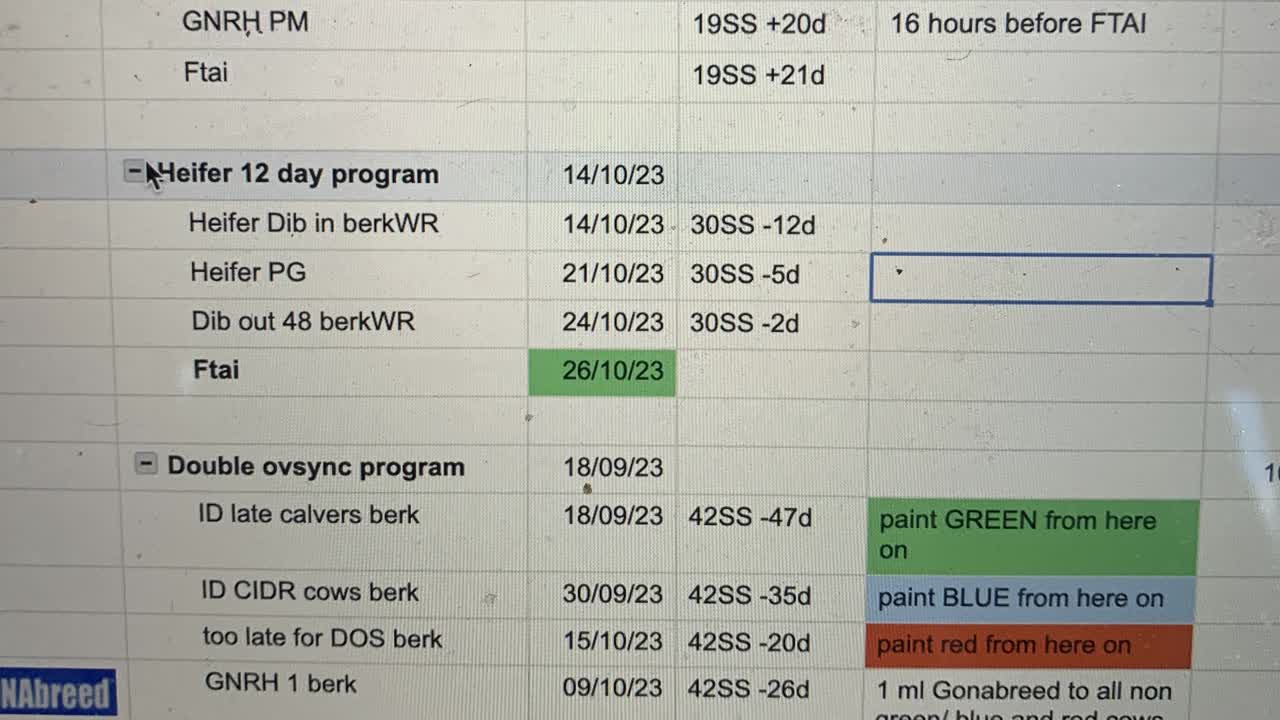
If you want to modify a program highlight the row below the program. Right click and choose insert above.

Now highlight the whole program and copy and paste it into the second blank column ie 32 here.

Now rename the program and return.

This will rename the program in the program column automatically allowing you to generate reports.
You can now alter the program lines etc add etc and the program column should just update automatically in each row.

Make sure this remains at the bottom of each sheet as it is picked up separately for each report.