
Knowby
Adding Prescription Plans to DairySmart.nz
Step by Step guide to add prescriptions for each pathogen and infection type.
1
Step 1 of 13
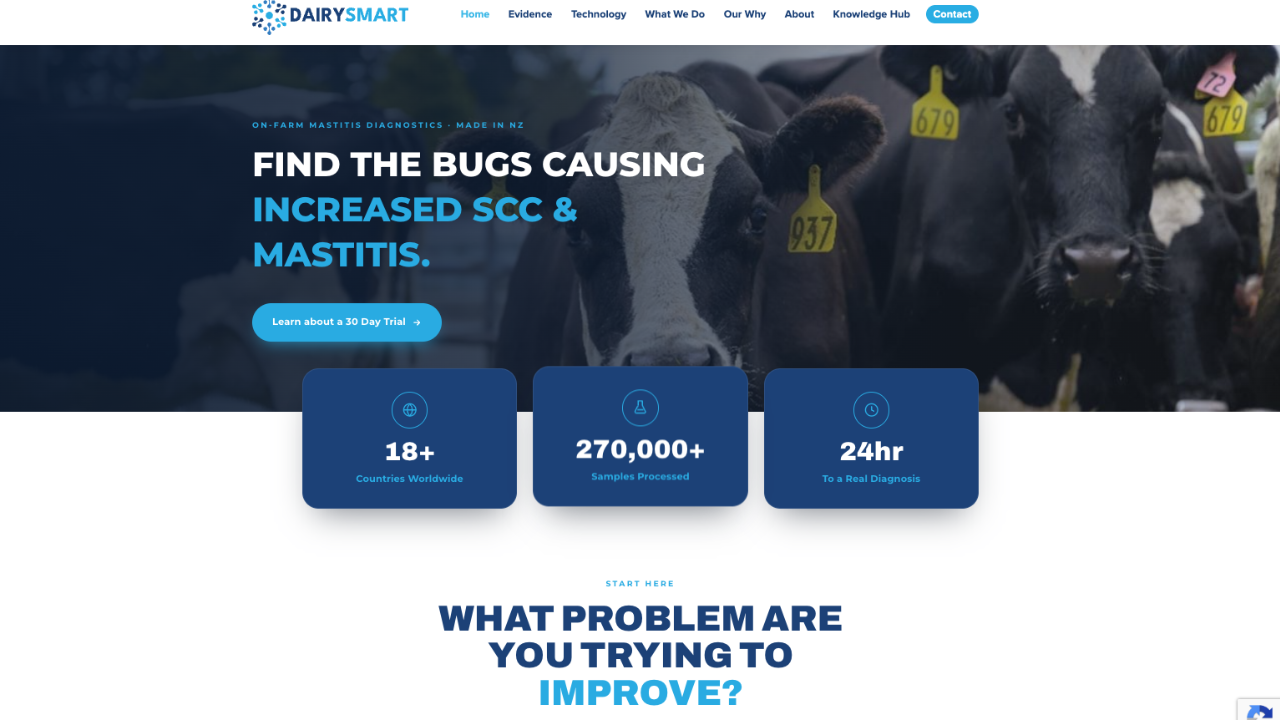
<p>Navigate to: <a target="_blank" rel="noopener noreferrer nofollow" href="http://www.dairysmart.nz">www.dairysmart.nz</a> </p>

Navigate to: www.dairysmart.nz

2
Step 2 of 13
<p>Click "Client Login" and login to your <a target="_blank" rel="noopener noreferrer nofollow" href="http://dairysmart.nz">dairysmart.nz</a> account. </p>

Click "Client Login" and login to your dairysmart.nz account.

3
Step 3 of 13
<p>Navigate to "Management".</p>

Navigate to "Management".

4
Step 4 of 13
Click "Prescription Plans".
5
Step 5 of 13
Click "Create new Prescription Plan".
6
Step 6 of 13
<p>Click "Plan Name:" and give your plan a name i.e. Tests Farm RVM</p>

Click "Plan Name:" and give your plan a name i.e. Tests Farm RVM

7
Step 7 of 13
<p>Click "Choose a Farm..." and select the relevant farm/farms. </p>

Click "Choose a Farm..." and select the relevant farm/farms.

8
Step 8 of 13
<p>Click "Add Farm to Plan". </p><p>To add All Farms you have access to, Click "Add All Farms to Plan".</p>

Click "Add Farm to Plan".

To add All Farms you have access to, Click "Add All Farms to Plan".

9
Step 9 of 13
<p>Click "Select Infection Type:". <br>i.e. Clinical, Subclinical or Dry Cow DCT.</p>

Click "Select Infection Type:".
i.e. Clinical, Subclinical or Dry Cow DCT.

10
Step 10 of 13
<p>Click "Choose a Pathogen..." and select the pathogen of choice i.e. "S. aureus".</p>

Click "Choose a Pathogen..." and select the pathogen of choice i.e. "S. aureus".

11
Step 11 of 13
<p>Click "Choose a Medication...". to select the medication which will be displayed when this pathogen is identified. </p><p>i.e. "Mastitis Antibiotics: Intracillin 1000 Milking Cow".</p>

Click "Choose a Medication...". to select the medication which will be displayed when this pathogen is identified.

i.e. "Mastitis Antibiotics: Intracillin 1000 Milking Cow".

12
Step 12 of 13
<p>Click "Add Medication to Plan". <br></p><p>Repeat this for process for each pathogen and infection type.</p>

Click "Add Medication to Plan".

Repeat this for process for each pathogen and infection type.

13
Step 13 of 13
<p>Once completed - Click "Create new Prescription Plan" to complete the task.</p><p>Note that only one prescription plan can be associated with each farm. </p>

Once completed - Click "Create new Prescription Plan" to complete the task.

Note that only one prescription plan can be associated with each farm.