
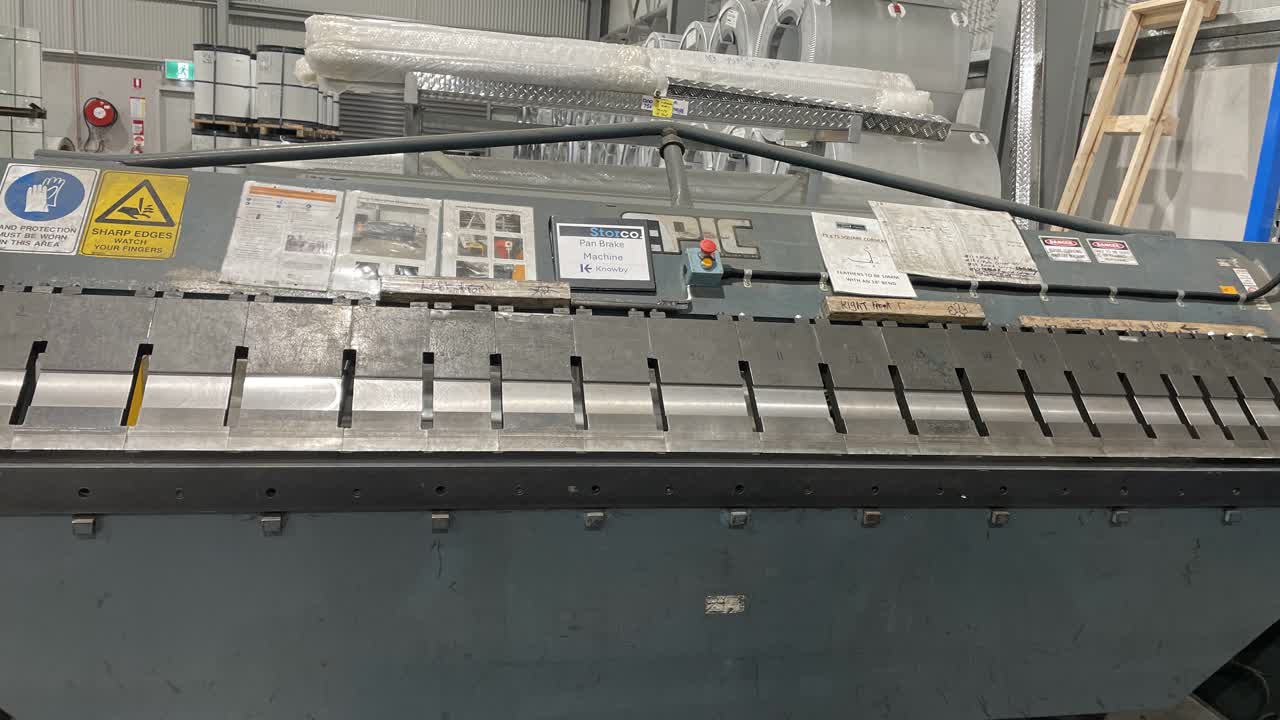
Pan Brake Program Selection.
How to select a program.
How to select a program.
1
Step 1 of 5
Personal Protective Equipment (PPE). Gloves and Safety Glasses. If you don’t already have a pair of gloves and safety glasses, please see the store worker.
2
Step 2 of 5QA Sheet. You will find a QA sheet at the machine, if there is no QA sheet there see the team leader or production. A QA sheet will need to be completed at the start, through out and at the end of the day.
3
Step 3 of 5No tools required.
4
Step 4 of 5
All the current Programs.
5
Step 5 of 5Press the green Start button. Then press the Program button, then press the '+ or -' button to find the program number you need, then press the Enter button three times, then the escape (ESC) button twice. Back Gauge will set.