
Click Settings (⚙) in the top bar, select Event subscriptions and click Open subscriptions.
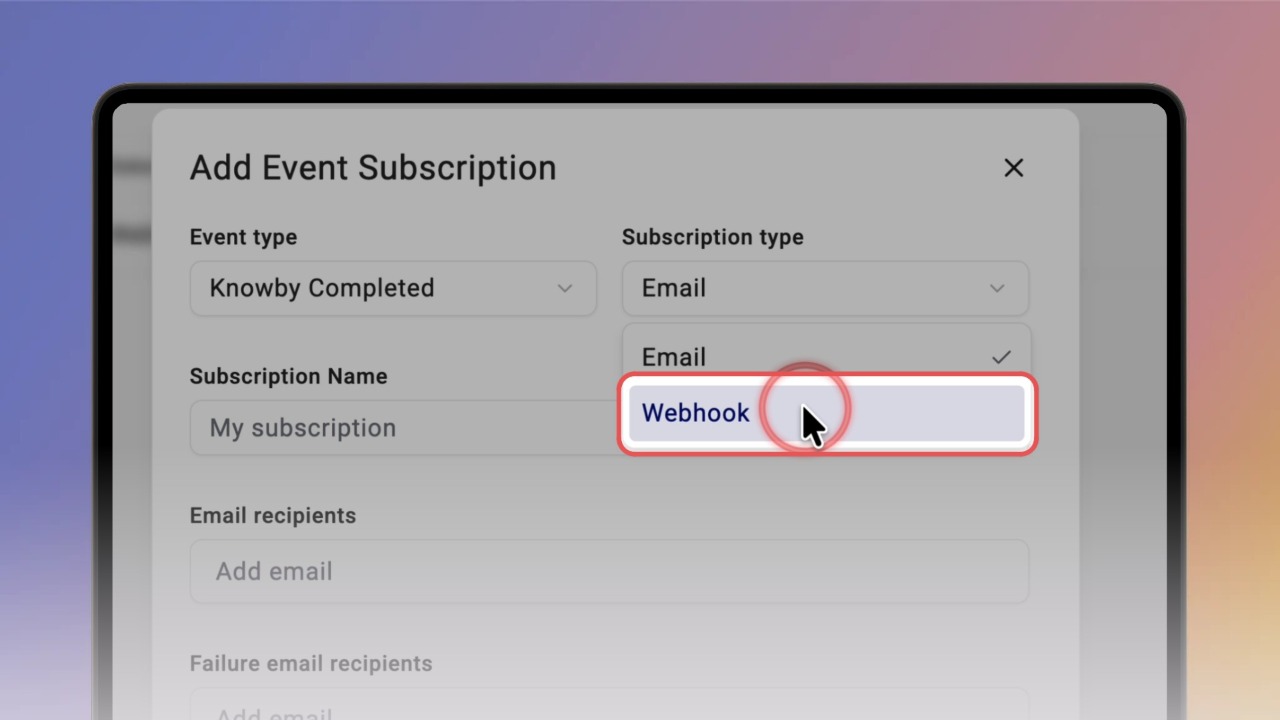
Click Add subscription and choose the Event type: Knowby Completed, Knowby Feedback, Knowby Published or Knowby Deleted.
Choose the Subscription type. Email sends events to the Email recipients you add. Webhook sends them to a Webhook POST URL, with optional headers.
Enter a Subscription Name and paste your Webhook POST URL.
Click Add header to send an authorization key or other headers with each request.
Tip: Click the eye icon to show or hide the value.
Open POST Body OpenAPI Schema or POST Body Example to see the data Knowby sends, and click the copy icon to use it in your system.
Add Failure email recipients — they'll be notified if delivery fails. Click Test event and confirm with Yes that you received the test post.
Tick Enabled and click Save. Your subscription appears in the list and starts sending events.