
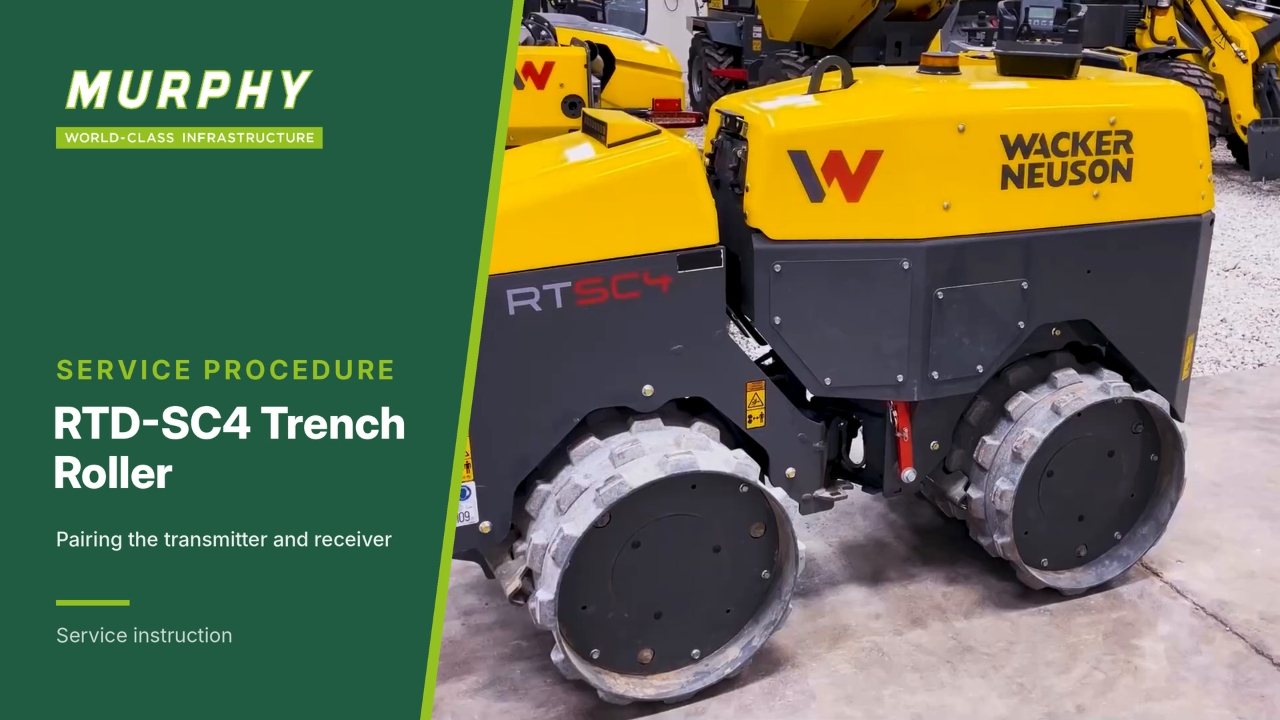
Locate the receiver and battery disconnect
To pair the transmitter to the receiver, you need access to the receiver and the battery disconnect.
The battery disconnect is next to the fuel tank.
The receiver is on the engine side.
Understand the two-step process
Pairing the transmitter to the receiver is a two-step process:
Put the receiver in pairing mode.
Put the transmitter in pairing mode.
The two steps must be completed within 30 seconds of initiating pairing mode.
Find the magnet and the pairing location
Use the magnet supplied with the machine to put the receiver in pairing mode.
Underneath the receiver there is a small green LED. This is the magnetic pairing location. At this point the battery disconnect is on.
Turn the battery off, then on
To put the receiver in pairing mode, disconnect the battery, then turn the battery back on.
Hold the magnet next to the LED
Use the supplied magnet or a pencil magnet from your toolbox. A magnet is required to pair.
Hold the magnet next to the green LED under the receiver until you see the flashing orange LED.
The receiver is now in pairing mode and is searching for a transmitter.
Put the transmitter in pairing mode
With the receiver in pairing mode, press and hold both buttons on the transmitter momentarily, then let go.
Select pairing
Navigate to 2, pairing.
Pair by pressing the check mark.
Press and hold both buttons at the same time for 3 seconds, until the info screen enters pairing mode, then release.
Confirm the receiver
The transmitter has now located the receiver. The receiver serial number is shown on the display screen.
Press the check mark button to confirm (OK).
Cycle the power
Pairing is complete. Cycle power on the transmitter and the machine:
Turn off the transmitter.
Turn the battery disconnect off, then back on.
Turn the transmitter back on.
Check the signal
Communication is established. The transmitter shows the signal strength from the receiver, and the transmitter is paired to the machine.