Knowby
Sculptform
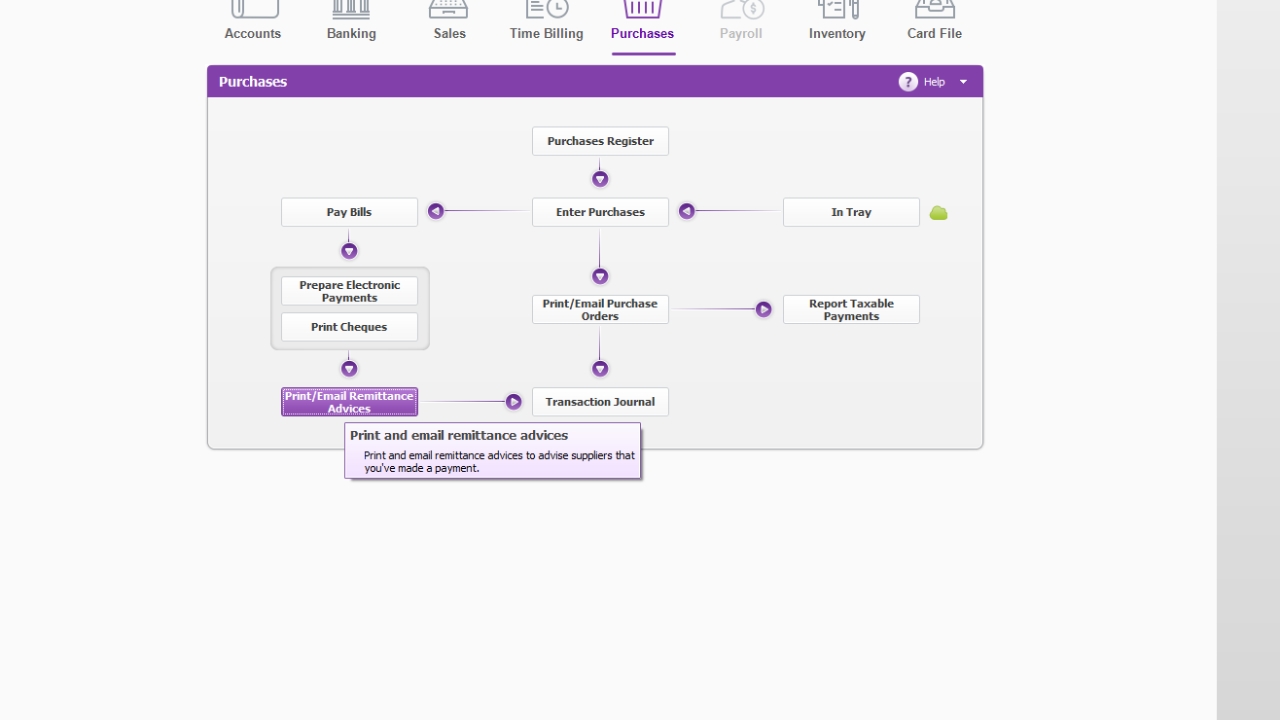
Email Remittance advice to Supplier - MYOB
Continuation after creation of ABA files is to sent remittance advice to suppliers.
Email Remittance advice Click the To be Emailed sheet
Continuation after creation of ABA files is to sent remittance advice to suppliers.
Email Remittance advice Click the To be Emailed sheet
1
Step 1 of 5
Click Email Remittance advice
2
Step 2 of 5
Click To be Emailed
Click on Advanced filter
3
Step 3 of 5
Change date – to payment made date
Click ok
4
Step 4 of 5
Select the supplier & Click Send
Go to send email to see the email is sent or not
5
Step 5 of 5
Go to send email to see the email is sent or not