
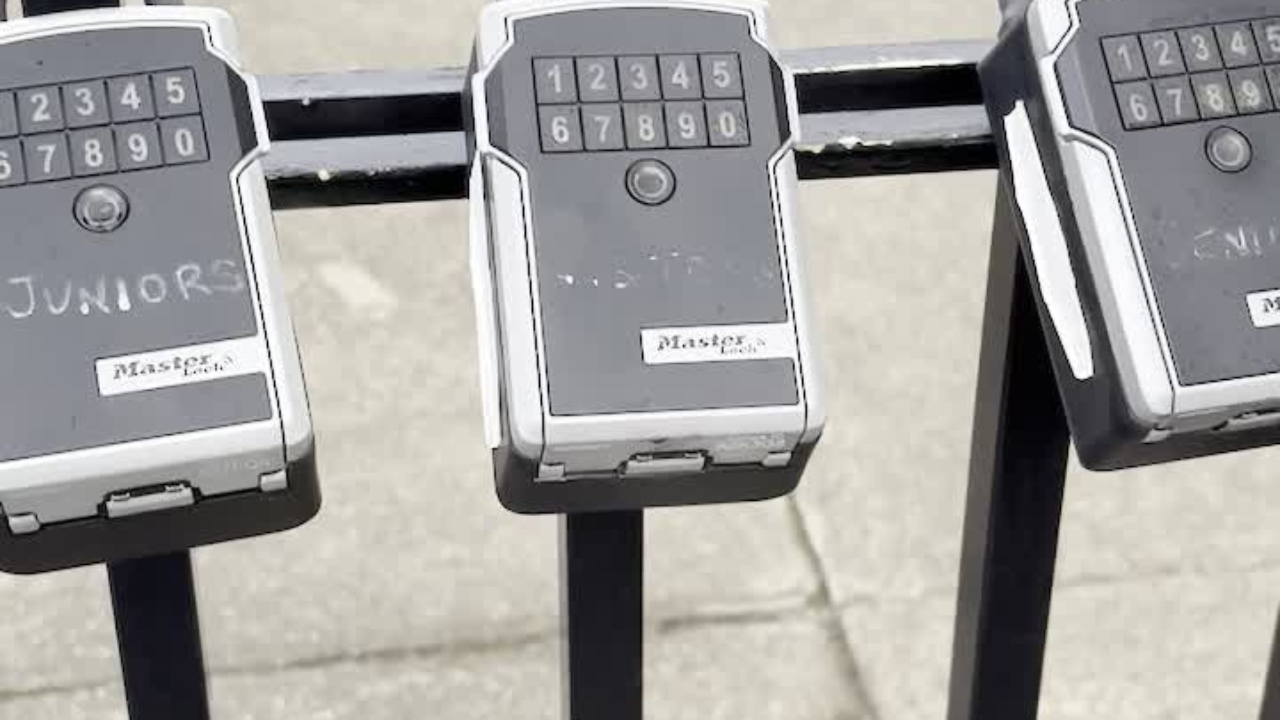

This provides guidance on how to use the locks at Footscray Hockey Club.
It assumes that you have been provided access to unlock the gates by the Footscray Hockey Club grounds manager.
If not, you must first request access at grounds@footscrayhockeyclub.com.au
On receiving the access, use this guide.
We need to get the key.
Here are the keys for juniors, visitors and seniors.
I'm going to open the juniors lock today.

Ensure that Master Lock app is downloaded on your phone. Its free and is simple to register.
Once installed, open the Master Lock app and register if you haven't already.
Find the Junior Key and select it.
But I need to wake it up. So I'll press the button on the lock.
Then press the Unlock button in the app screen.
Then pull the lock open and retrieve the keys inside.
Now across to the gate, find the lock.
Use the key to open the gate.
Flick turn the horizontal bolt
Pull the lever at the top of the gate.
Remove the key and keep the padlock on the gate.
Then use the key to open the door. They key isnt marked, so try the key until you find the right one.
Remember not to take the keys home - they stay at the club.
To return the key and lock the gate, do the same process in reverse.
Any queries, email grounds@footscrayhockeyclub.com.au