

Choose your preferred language below to start the course.
Reminder:
Please note that translations may not always be fully accurate. If you’re unsure, refer to the English text or check with your supervisor.
Chinese
Hindi
Tamil
Malayalam
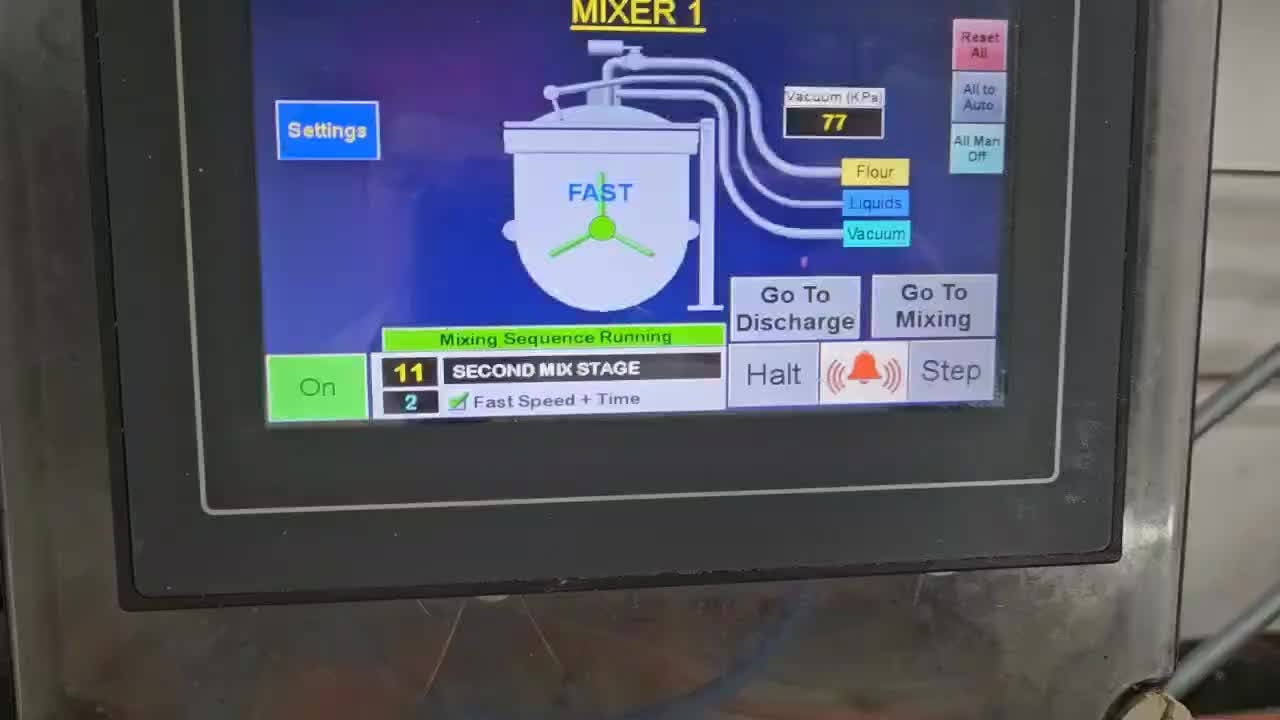
The operator presses 'Confirm' on the display to complete the dough mixing stage.

Please refer to the mixer control buttons.
Forward rotation of the dough paddle
Reverse rotation of the dough paddle
Tilt the mixer body downward
Tilt the mixer body upward
Open mixer cover
Close mixer cover
Operate
Pressing the mixer’s cover open button (6) will open the mixer’s cover.
After the mixer cover is fully opened, press and hold the operator button (7) on the mixer, then press the lower button (4) on the box rotating part to tilt the mixer body toward the conveyor.
The operator checks the color and texture of the dough inside the mixer, then takes a small portion of the dough and brings it to the moisture analyzer.
The operator places about 5g of the sampled dough on the moisture analyzer tray, closes the lid, and presses the start button.
When the moisture analysis is completed, the operator records the moisture level displayed on the screen in the 'Pastry Moisture Record'
Noted: The moisture content range is 32% to 36%.