
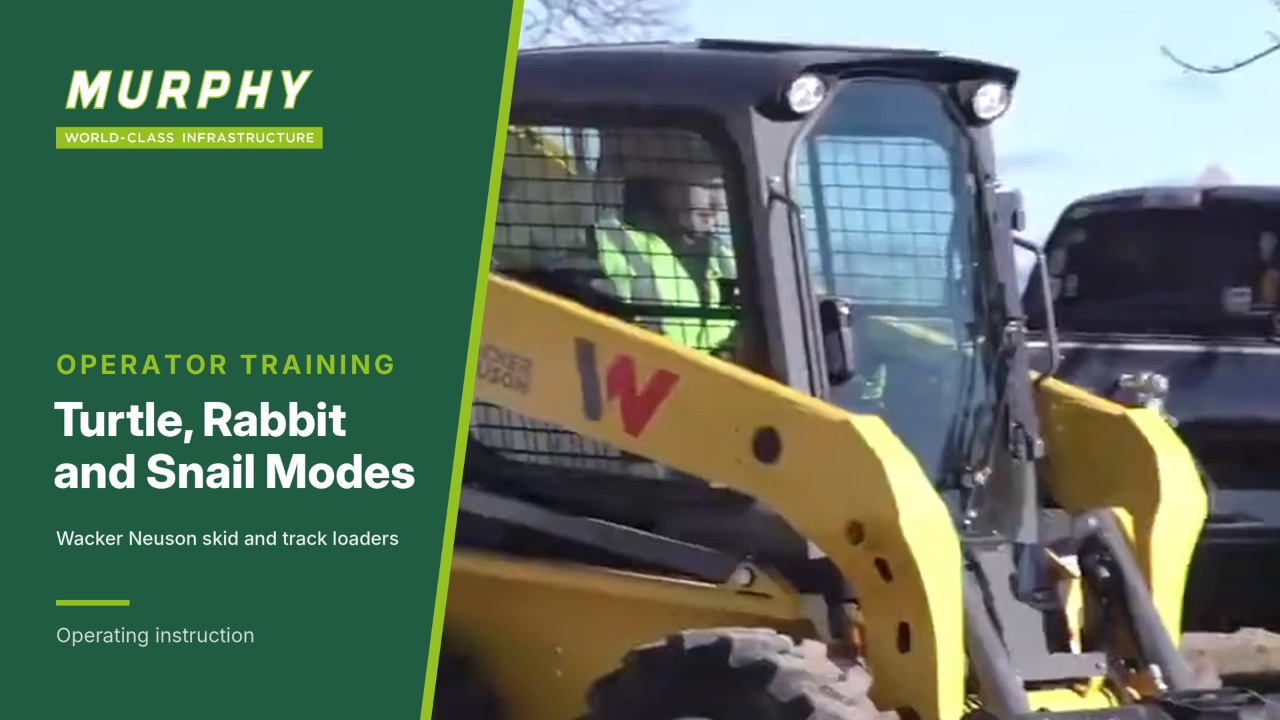
Turtle mode is the default
Changing speeds on Wacker Neuson mid-frame skid steer and track loaders is a simple process.
When you start the machine and disengage the parking brake, it automatically defaults to turtle mode, the slow speed mode.
Switch to rabbit mode
Use rabbit mode to go faster across the job site or to increase cycle efficiency.
Press the upper left-hand button.
The display shows a large rabbit for about three seconds.
The display goes back to normal, with the rabbit still shown in the upper left-hand corner.
Go back to turtle mode
Press the button again.
The display shows a large turtle in the centre and a smaller turtle in the upper left-hand corner, then the centre goes back to normal.
Switch to snail mode
Snail (creep) mode limits the maximum speed you reach with full joystick travel.
Pull down the lower left-hand button on the joystick.
The display changes to a snail with a scale showing a percentage of turtle mode speed.
The speed is adjustable from 0 to 60% of turtle mode speed.
Adjust the snail mode speed
To increase towards 60% at full stick, bump the top button up in increments.
Decrease the speed for more finesse and finer movements.
Snail mode suits trenching, a cold planer and other applications that need full stick without finessing the sticks.
Return to normal operation
To go back to normal operation for loading or handling materials:
Hold the lower left button down for about 3 seconds.
The display flashes to turtle mode and returns to normal.