Knowby
The Perfumery
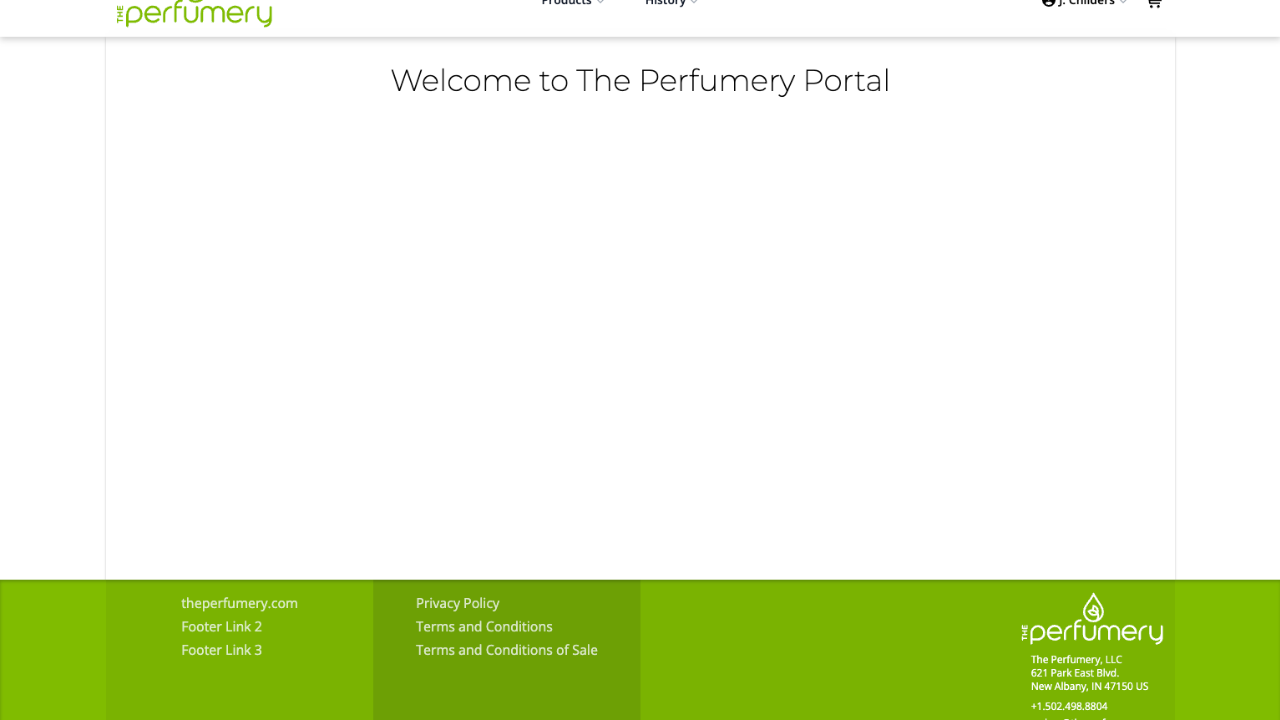
The Perfumery Portal - Dashboard
Knowby created from browser extension capture session at 6/22/2026, 2:43:23 PM
Knowby created from browser extension capture session at 6/22/2026, 2:43:23 PM

2
Step 2 of 13
To make updates/changes to your account, Click drop down box by user name and select settings.
3
Step 3 of 13
To make changes to your account click "Settings".
4
Step 4 of 13
Here, you can make updates to your personal information as well as update your password.
5
Step 5 of 13
You also have the ability to customize pack sizes on your product/order page. To disable a pack size, drag the selection to "disabled UOMs"
6
Step 6 of 13
Click "Update General Settings" to have changes go into effect.
7
Step 7 of 13
To search for a specific item select "filters" and type in item in "search products".
8
Step 8 of 13
Under "Tools" you can filter by item ID, item Description, last purchase date and price. You can also change preferred UOM and how items are displayed on product page.
9
Step 9 of 13
Click "Show Description".
10
Step 10 of 13
Here you will get full item description.
11
Step 11 of 13
Click "Show Attributes" to display the item attributes.
12
Step 12 of 13
List of item attributes.
13
Step 13 of 13
Each item will show last purchase date.