
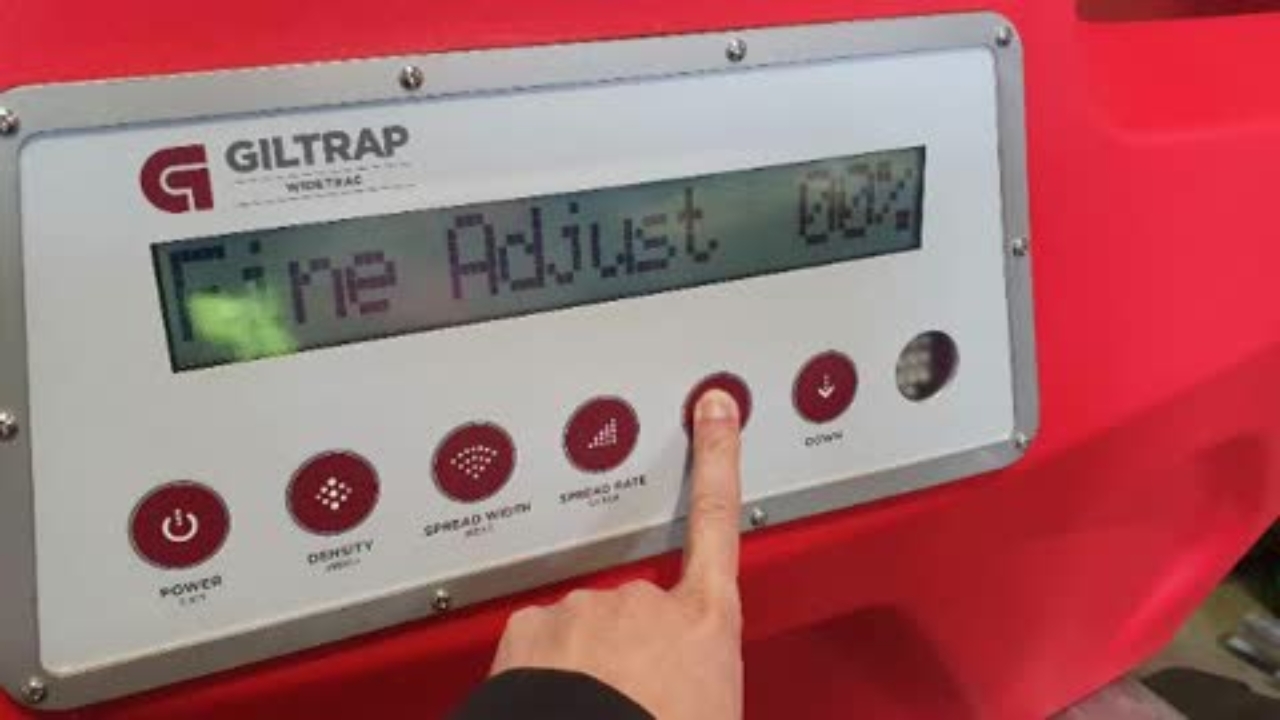
WideTrac - Adjust Fine Tune Setting
This Knowby will run you through step by step on how to Adjust WideTrac Fine Tune Setting
This Knowby will run you through step by step on how to Adjust WideTrac Fine Tune Setting
1
Step 1 of 3
While in the standby screen, press and hold the up arrow button until "Fine Adjust" is shown
2
Step 2 of 3
Use the up and down arrows to adjust the fine tune % value up or down
3
Step 3 of 3
Press the "Spread Rate" button to confirm and set changes and exit back out to standby screen