
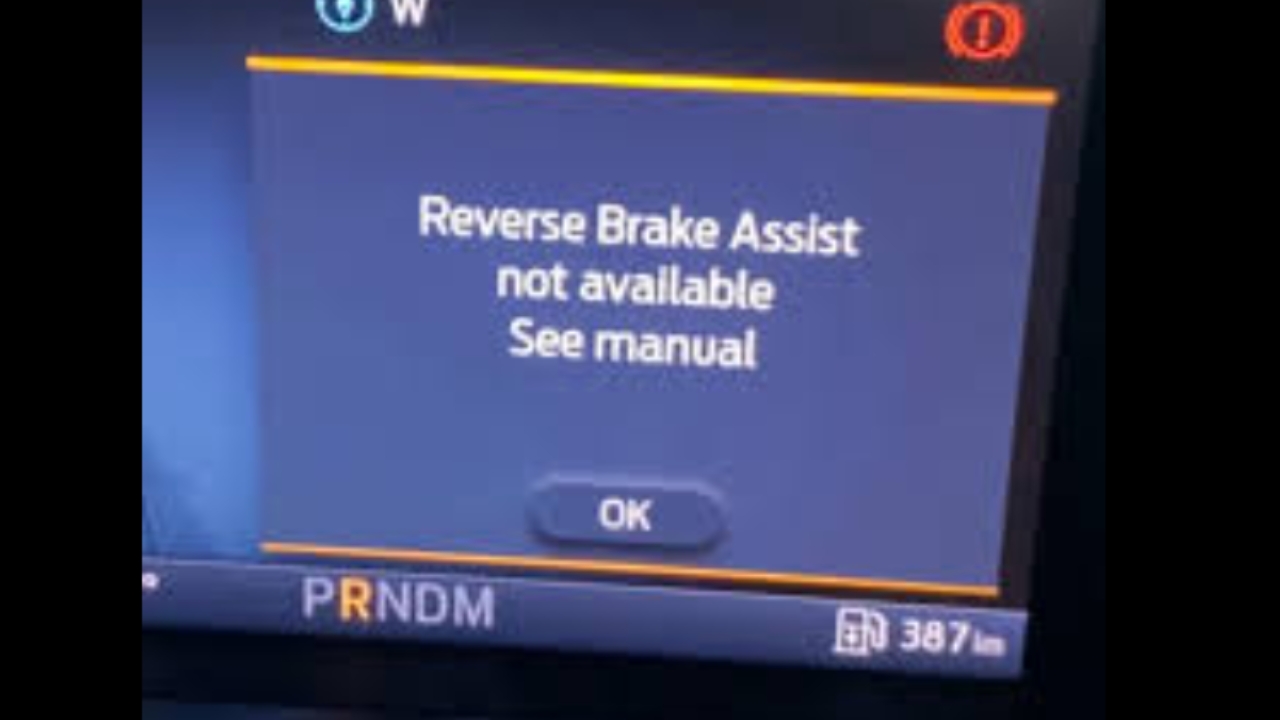
TC - Removing the Reverse Brake Assist Error from Rangers
How to remove the "Reverse Brake Assist Not Available" Error from Rangers using forscan
How to remove the "Reverse Brake Assist Not Available" Error from Rangers using forscan
1
Step 1 of 9Use Forscan
2
Step 2 of 9Rear DTC's and clear
Power cycle Vehicle
3
Step 3 of 9
Drive into carpark, drive on RHS approx 1m from parked cars
4
Step 4 of 9
Enter Service procedure, Click on Rear Camera Calibration then play
5
Step 5 of 9Follow on screen instruction
6
Step 6 of 9Follow instructions
Screen instruction in next step
7
Step 7 of 9
Press this button
8
Step 8 of 9Press Ok to start then drive forward
Verify completion is 100% and service completed successfully
9
Step 9 of 9Recommend then performing another DTC clear and check
Power cycle and verify that, when in reverse, no reverse brake assist fault displays on dash