
Manage schedules
Track and change your schedules.
Track and change your schedules.
1
Step 1 of 3Under Schedules in the left menu: My schedule shows your own tasks, Scheduled by me shows schedules you created, and All schedules (Admins) shows every schedule in the organisation.
2
Step 2 of 3Click a schedule to open it. Pick an occurrence and filter by assignee, status or knowby to see who's done.
3
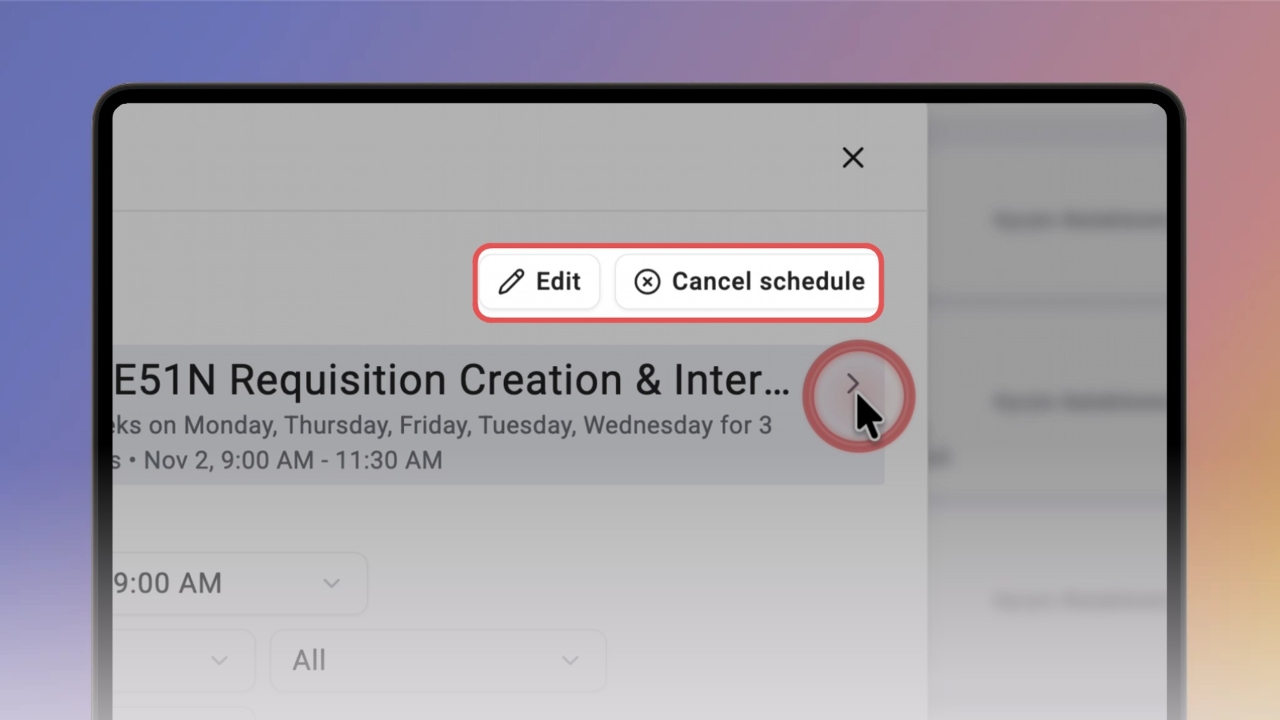
Step 3 of 3Click Edit to change the schedule or Cancel schedule to stop it.
Tip: Click Preview knowby to open the knowby read-only.