Knowby
Sculptform
Create a Custom MYOB Reports Process
1
Step 1 of 4
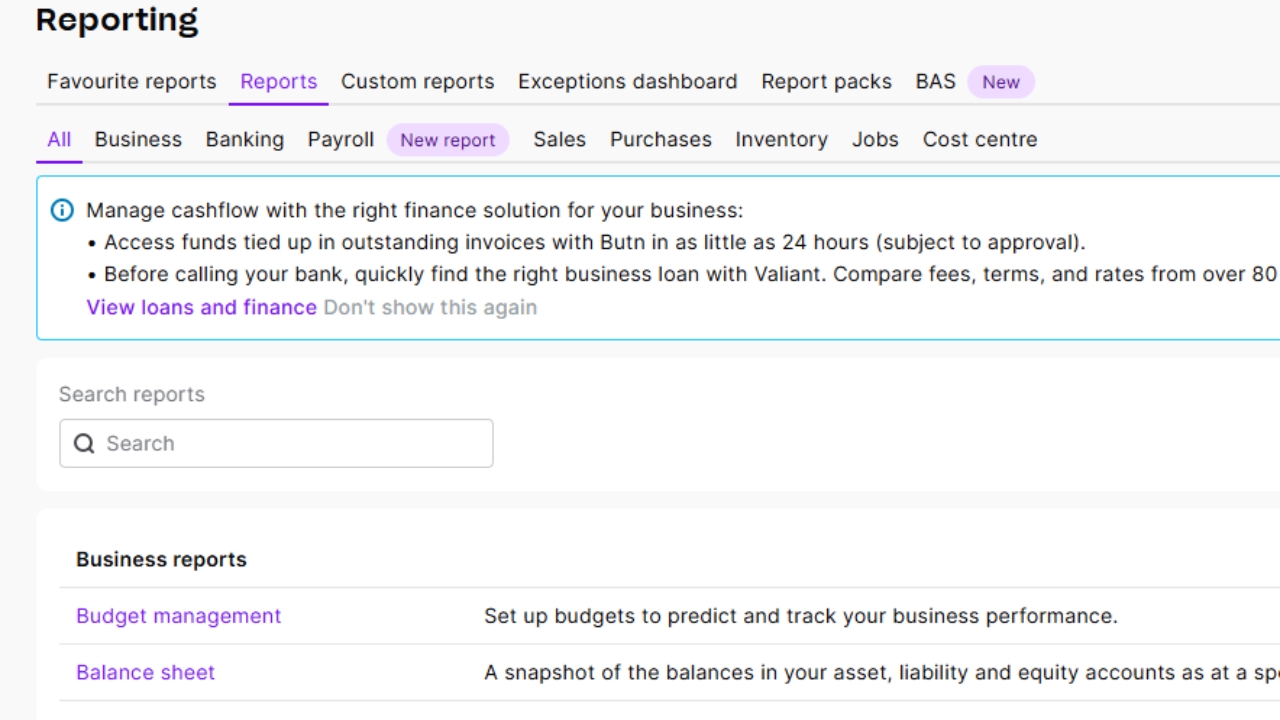
Select Reporting > Reports from the menu on the left hand side of the screen:
2
Step 2 of 4
Then select the General ledger report:
3
Step 3 of 4
On the next screen, specify the desired date range and from the ‘Categories’ option, select the required accounts
4
Step 4 of 4
Once you have selected the desired accounts, hit the ‘Export’ drop down menu and select Excel: