
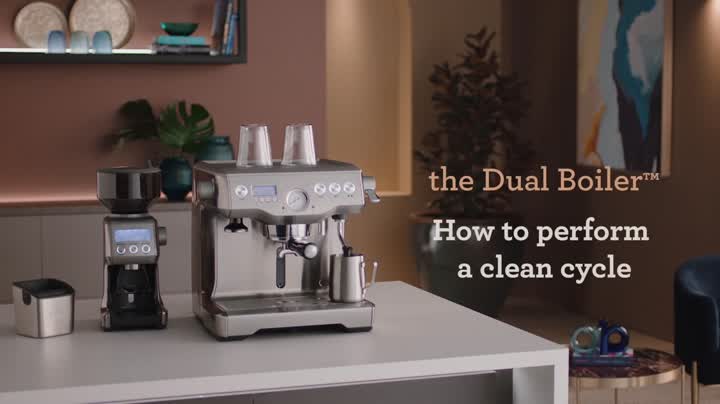
To perform a clean cycle, you will need a Breville Espresso Machine Cleaning Kit.
The CLEAN ME icon will be displayed on the LCD, to indicate when a cleaning cycle is required.
Insert the 1-Cup filter basket into the portafilter, followed by the supplied grey silicone cleaning disk, then insert 1 cleaning tablet.
Insert and lock the portafilter into the group head.
Ensure the water tank is filled with cold water and the drip tray is empty.
Press the MENU button until CLEAN CYCLE flashes, and PUSH is displayed on the LCD screen. To start the clean cycle, press the illuminated MANUAL button.
The CLEAN CYCLE icon will flash and the machine will start the countdown from 370 seconds. The machine will return to STANDBY MODE once the cleaning cycle has finished.
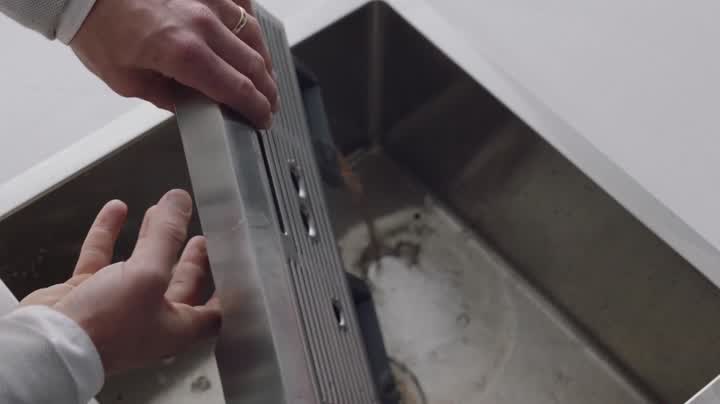
Remove the portafilter and ensure the cleaning tablet has completely dissolved. If the cleaning tablet has not completely dissolved, repeat the previous 2 steps until the cleaning tablet has dissolved.
Rinse the filter basket and portafilter thoroughly before using your coffee machine.