
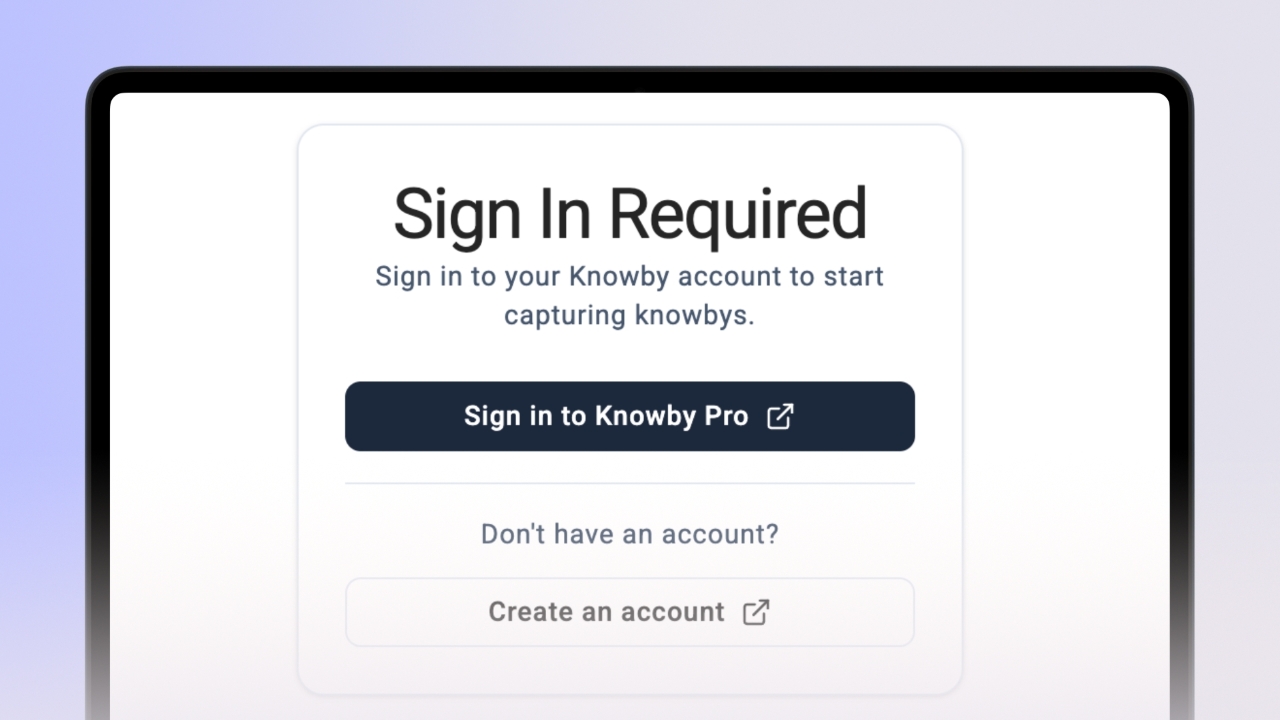
Signing In to Knowby Capture
Connect the extension to your Knowby account and Start Capture in your Knowby Organisation.
Connect the extension to your Knowby account and Start Capture in your Knowby Organisation.
1
Step 1 of 3
Open the Knowby Capture extension from your browser toolbar.
2
Step 2 of 3
Click "Sign in to Knowby Pro" and enter your details. You must be part of an organisation to capture steps.
If you don't have an account, click "Create an account".
3
Step 3 of 3
The extension will display the name of the organisation you are currently creating for at the top of the panel.
If you switch your active organisation in the Knowby Pro Web app, the extension will automatically update to record for the new one.