
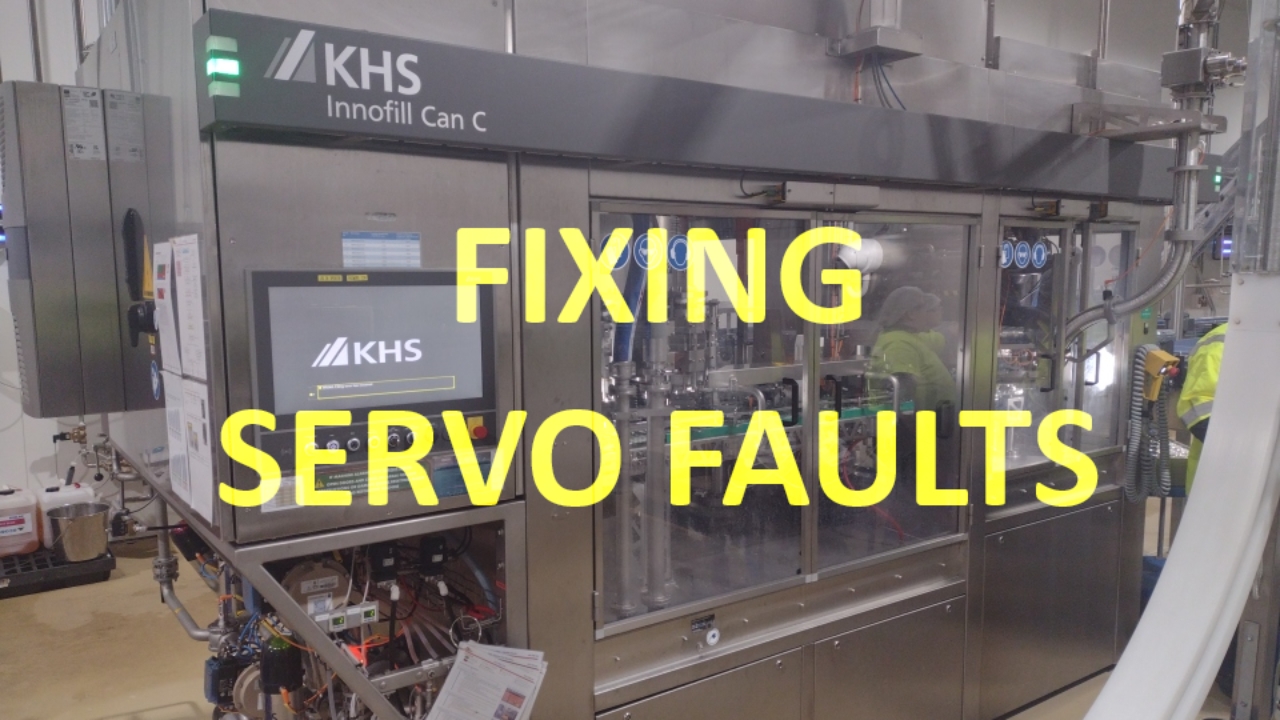

Servo Failure Faults
Log into machine (needs to be Technical supervisor or higher)
Navigate to Servo page on main screen
NOTE: This is only for Servo Failure alarms. For Synchronisation Errors see:
Resetting Course Synchronisation Errors - Line 9 Filler

Press SERVO FAILURE option

Check individual drive status
There is additional comments for the drive status on the top right of the pop up
Once location of drive fault has been identified, open door to the machine and check area for any abnormal conditions that may be affecting machine operation.
> Jammed Cans
> Loose or misfitted parts
> Other foreign materials stuck in drive or preventing rotationRectify fault and check are to ensure there are no other obstructions.

Reset Fault - Maintenance Only
Close all doors and reset machine with Fault Acknowledge button
Start Production and ensure machine operation is normal and no other faults occur
If fault persists on a certain motor further investigation is required