
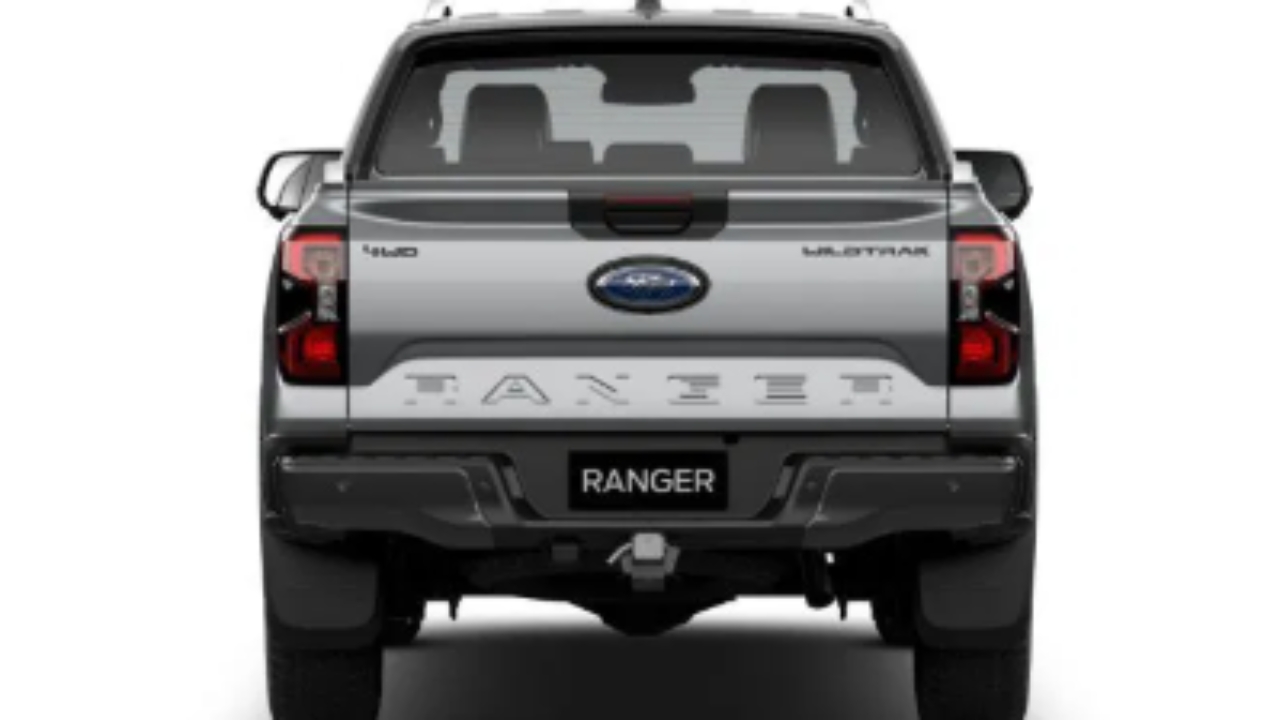

Obtain vehicle - confirm model is a Wildtrak
Locate vehicle VIN
Plug in ELM 327 interface into the OBD2 port

Ranger OBD2 port location, plug in adapter
Open Forscan, acknowledge warnings, press connect to vehicle button - ensure ELM 327 interface has switch set to correct position down away from the OBDII black face
Acknowledge Yes, switch up towards the OBDII black face
![<p>Check connection is stable and connected. Navigate to [configuration and programming] tab. <strong>Extreme Caution is required now!</strong></p>](https://knowby.show/media/5f9f8fee-b577-42c1-9b91-0984bbc59290/knowbys/b36b96b8-e968-4027-b260-67dc755f3dab/steps/776b0f80-c8cc-44c6-9afe-e33c682fdcfa/web.jpg)
Check connection is stable and connected. Navigate to [configuration and programming] tab. Extreme Caution is required now!
Select the BdyCM module configuration, click the play button, switch down away from OBDII face, click ok
Not as built format!
Search for "rear bulb" - Select "Rear Bulb Turn Outage"
Press edit selected, change value to Disabled
Press write
Power cycle vehicle, acknowledge window
Press stop button, exit configuration screen, press on top car button, press disconnect vehicle

Remove OBD2 connector
Power cycle vehicle and verify operational