
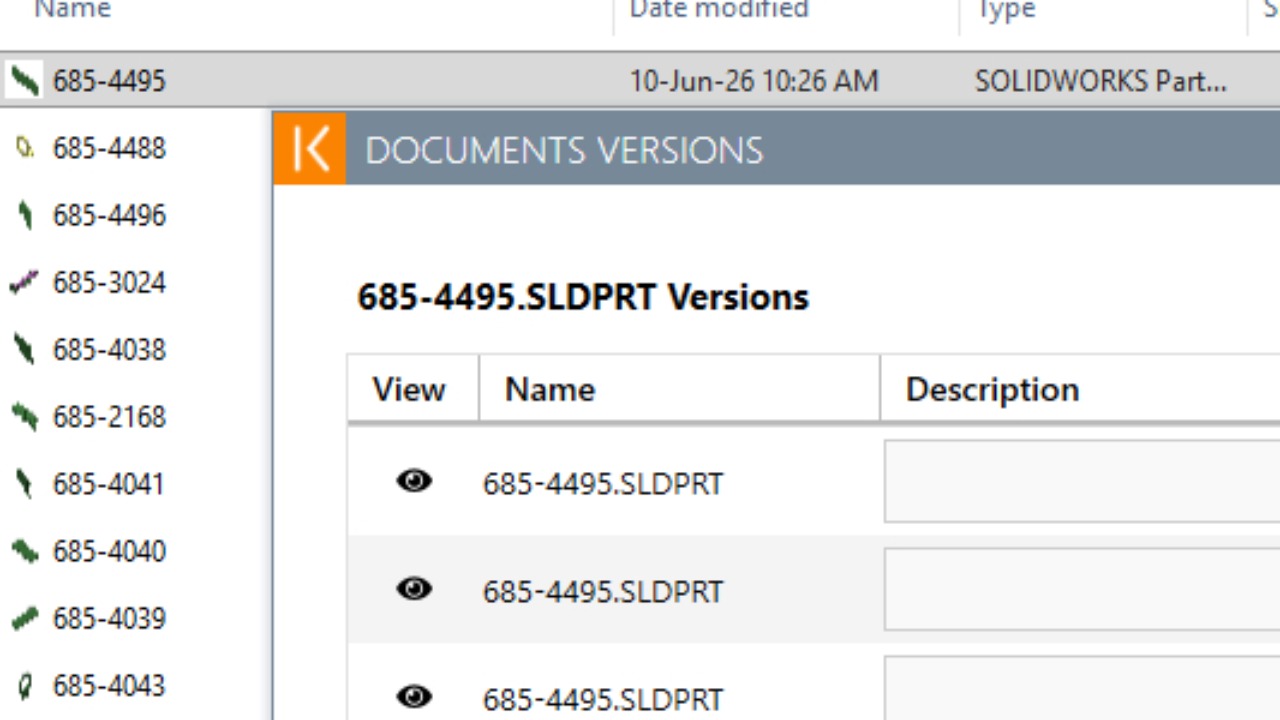
How to roll back to a Previous Version (Solidworks/Kenesto)
1
Step 1 of 7In Solidworks
File > Open
2
Step 2 of 7Browse to part you want to change
Right Click on part > Kenesto
3
Step 3 of 7Select Versions
4
Step 4 of 7Select the version you want to change to
(In this example, it was #4.)
Select Yes
5
Step 5 of 7Select Close
6
Step 6 of 7Select Open to see the part.
Verify it is the version you wanted.
Done.
7
Step 7 of 7