
Leave feedback on a knowby
Add a comment to any step of a knowby to share your feedback.
Add a comment to any step of a knowby to share your feedback.
1
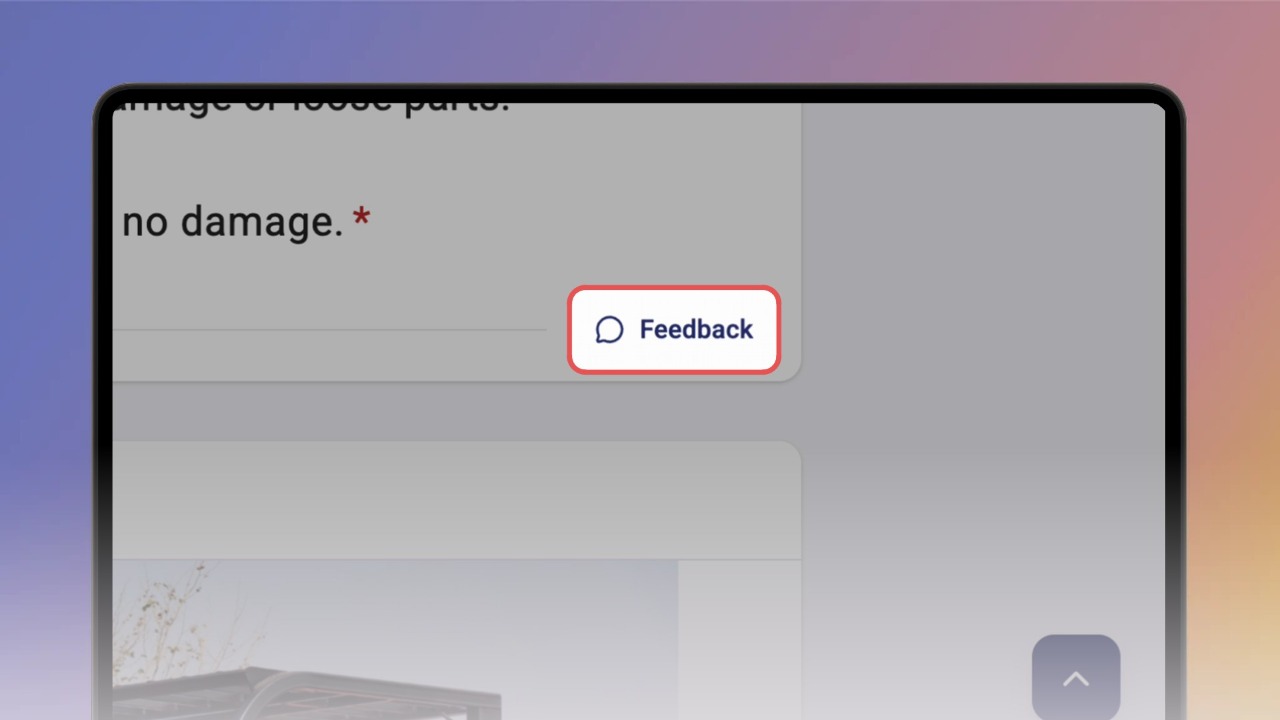
Step 1 of 3Under the step, click Feedback. Details opens on the Feedback tab for that step.
2
Step 2 of 3Type your comment and click Send. A Comment posted message confirms it.
3
Step 3 of 3Close the panel. A red badge on Feedback shows the step has a comment.