
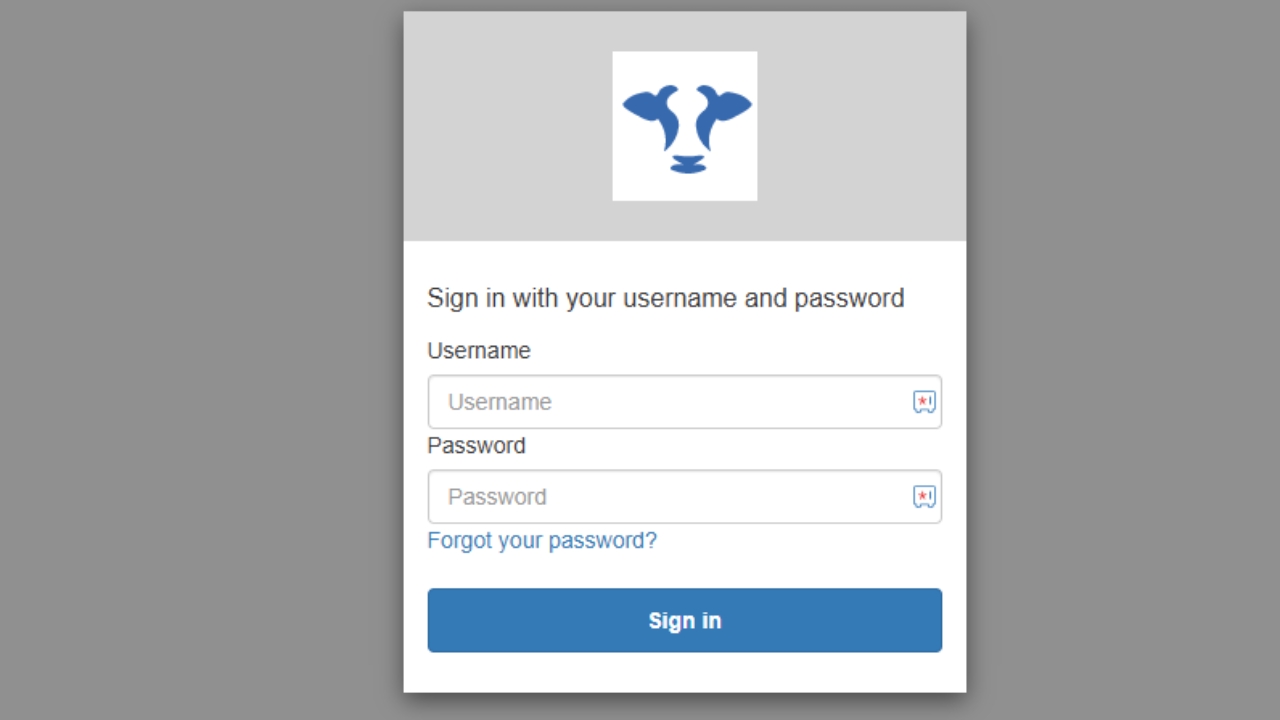
How to reset your password
1
Step 1 of 4
Click on 'Forgot your password'
2
Step 2 of 4
Enter username. This will be your email used for Optiweigh account. Click 'Reset my password'. After this check your email.
3
Step 3 of 4
Take note of Optiweigh reset code. If email is not in your inbox check spam or junk inbox's
4
Step 4 of 4
Type the code you were sent on the email into the box where it says 'Code'. Choose a new password and click 'Change password'. You will then be asked to login again.