
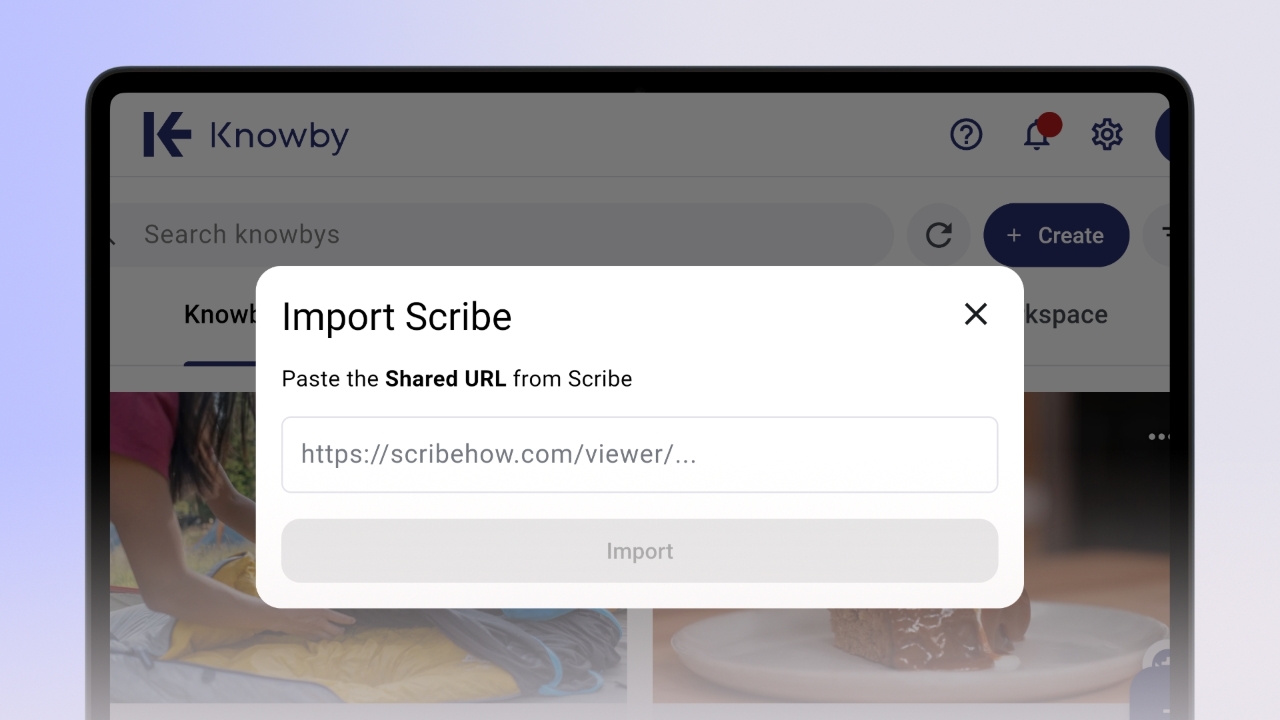
Import from Scribe into Knowby
Already have guides in Scribe? Import them directly into Knowby in just a few steps.
Already have guides in Scribe? Import them directly into Knowby in just a few steps.
1
Step 1 of 5
If you use Scribe, you can import your guides directly into Knowby – no need to rebuild them from scratch.
Open your Scribe and click the Share button in the top right corner.
2
Step 2 of 5
In the dialog box, stay on the Share tab and select Scroll in the Viewing Mode section.
3
Step 3 of 5
Click the dropdown in the bottom left corner and select Anyone with the link can view.
4
Step 4 of 5
Click Copy Link inside the dialog box – your Scribe is now ready to import.
5
Step 5 of 5
Go to Knowby Pro, click Create → Import from Scribe, paste the link into the text field, and click Import.