
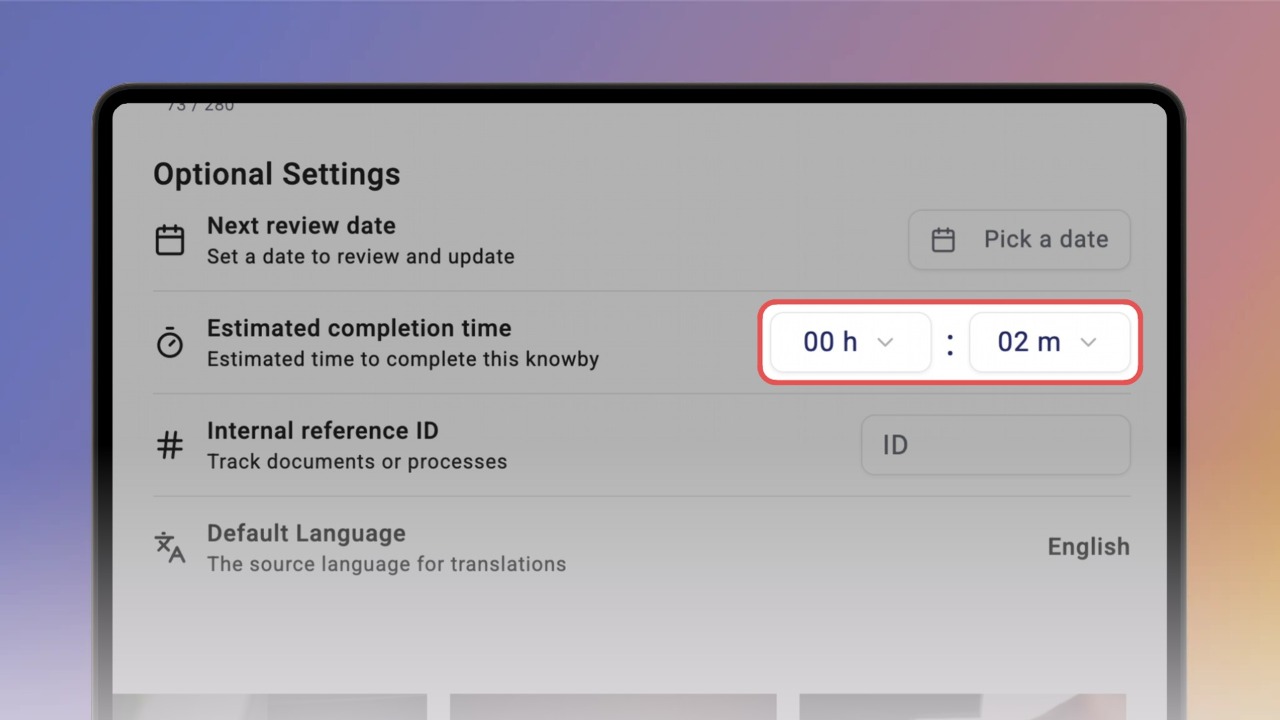
Set the estimated completion time
Tell people how long a knowby takes before they start. The time shows on the knowby, right under its description.
Tell people how long a knowby takes before they start. The time shows on the knowby, right under its description.
1
Step 1 of 3In the Create/Edit screen, go to Details.
Under Optional Settings, find Estimated completion time and click the hours field.
Pick the number of hours from the list — up to 23.
2
Step 2 of 3Click the minutes field and pick the minutes.
Use hours and minutes together, or just one of them.
3
Step 3 of 3Click Done. The time now shows on the knowby, under its description — for example 2 mins — so people know what to expect before they start.