
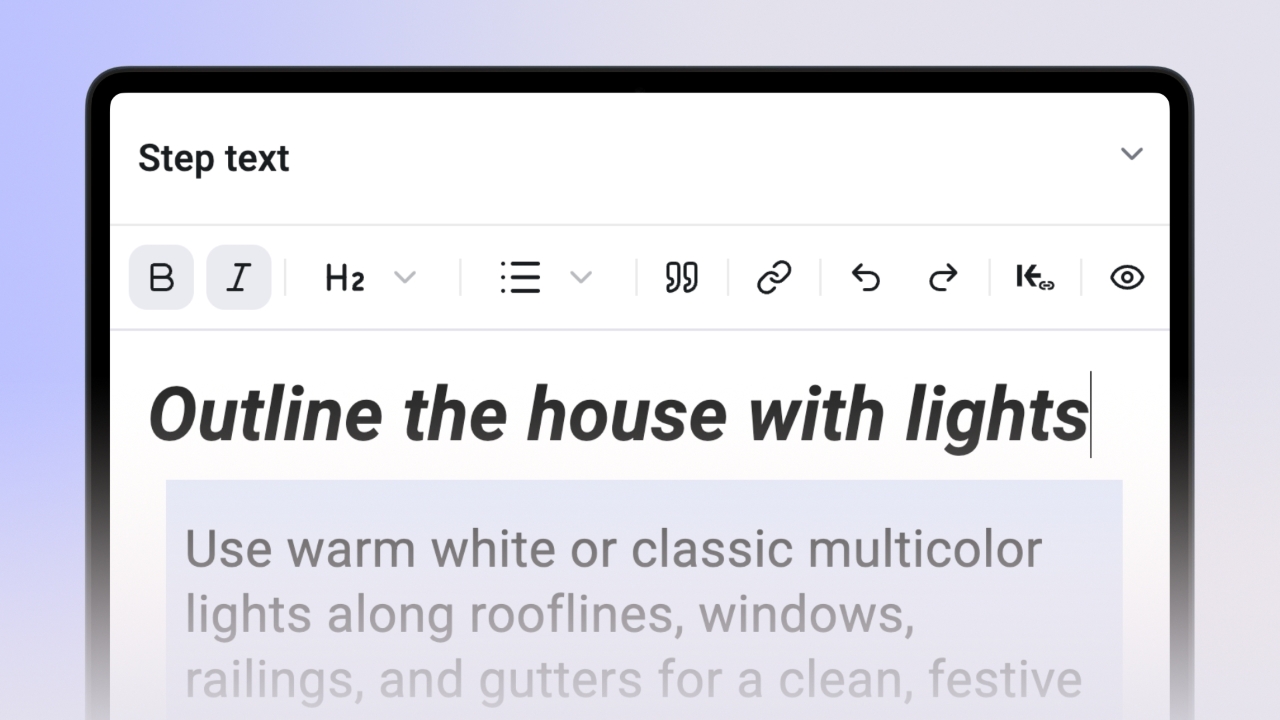

The formatting toolbar is available when creating/editing a knowby in the 'Step text' section. This feature allows you to enhance the appearance and structure of your instructions, making them clearer and easier to follow.
You can emphasize your step text by making it bold or italic.
This will help make important information stand out, ensuring your instructions are easily understood.
Use different Heading styles to format your step text and create a clear hierarchy, helping users navigate through the steps more easily.
Structure your text with numbered lists '1.' or bullet points '•' to break down information into manageable pieces, improving readability and comprehension.
Activate Blockquote to highlight important notes or quotes within your steps, drawing attention to key details.
Easily insert external links to direct users to additional resources, making your instructions more informative and comprehensive.
Made a mistake in your text? No worries! Use the undo or redo options to quickly correct errors, keeping your instructions accurate and up to date.