
Start by picking up the bucket in the scoop. Then I'll take it around to the elevator around to get a bucket of potatoes.
Place the Bucket on the ground - use the scoop to fill up the bucket
After about 4 full scoops -the bucket is full, I will now take the bucket around to the table. Use best practice lifting technique - bend your knees when picking up the bucket.
Back at the table, pop the scoop back on the shelf
I will then check up on the board to see the ID number of what we're sampling.
So then I will go to the iPad and turn it on with the button at the top
I will check the ID number. Check that we've got the same number as on the board
Press the Add QA button.
We'll then go to cut seed type and we're going to choose "standard cut" seed.
And we'll turn the scales on. And we'll start weighing the potatoes individually into all their sizes, which are labelled on the table.
So we've got 30 grams or less.
This one is 44 to 75.
Over here is 76. That's a vector card.
45 to 76. 76 to 95.

Areas for the sizes
We'll then take the potatoes, start putting them on the scales and putting them in their groups
When all are in thier groups, we will put the empty bucket on the scales and Tare the bucket to Zero. Press Tare. The display will read '0'
Now we will count the number of potatoes in each pile - So here we've got 30 grams or less and we have none.
So we'll go over here to the IPAD And in the 30 grams or less we'll then put zero.
And then go to our next bracket, which is 31 to 44.
And we count them - and that goes in the bucket. So we've got 20 there.
So we'll go over here to the IPAD and we'll put 20 in that bracket of 31 - 34
Then on to the next one.
Repeat the process - count the potatoes into the bucket - then enter into the IPAD. Repeat this process for all of the size catagories.
So with the whole bucket on the scales we will enter the full bucket weight into the IPAD. The weight in this example is 9518. We enter this into the IPAD sample weight.
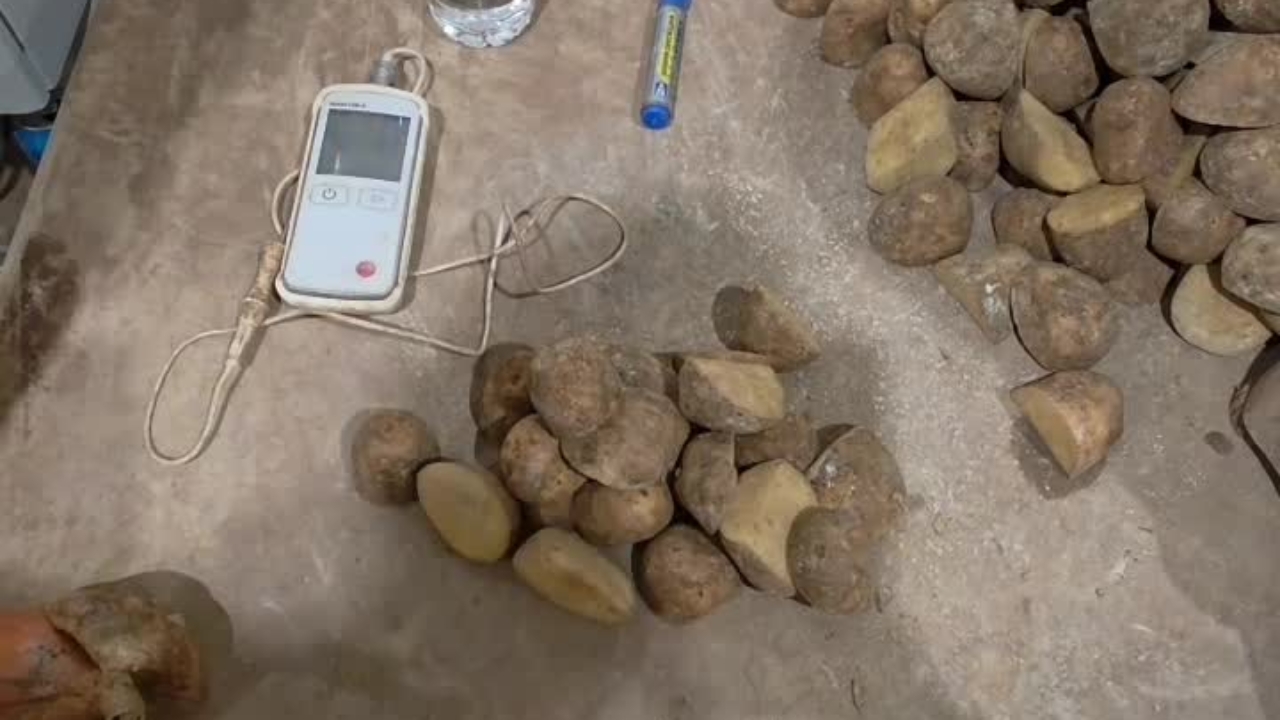
Then we will take the temperature. So we'll get this thermometer.
Take the cover off.
Turn it on. Put the thermometer in the potato.
Then the temperature will come up, which is 14.9 in this example
Take the potato off the probe
Go to the IPAD and enter the temperature into the Temperture field. In this case it was 14.9. Enter your temperature.
Then when we've done that we're going to press 'create' to upload it. Then press 'YES'
Then we're going to press yes.
Then it will be recorded on the iPad.
So we're going to turn the thermometer off. Then we're going to pick the bucket up.
Take the bucket back over to the elevator. Use heavy lifting/manual handling technique. Caution - Heavy Bucket
Like so. Place the bucket back on the elevator and put the potatoes back in.
Then we'll take our bucket back.
Grab our scoop, pop it back in the bucket and place it back where we got it from.
We will then turn the scales off.
Get some water.
And a cup. Just get the scales a bit of a wind down.
And that's it.