
Knowby
How to Perform a Hard Refresh in All Major Browsers
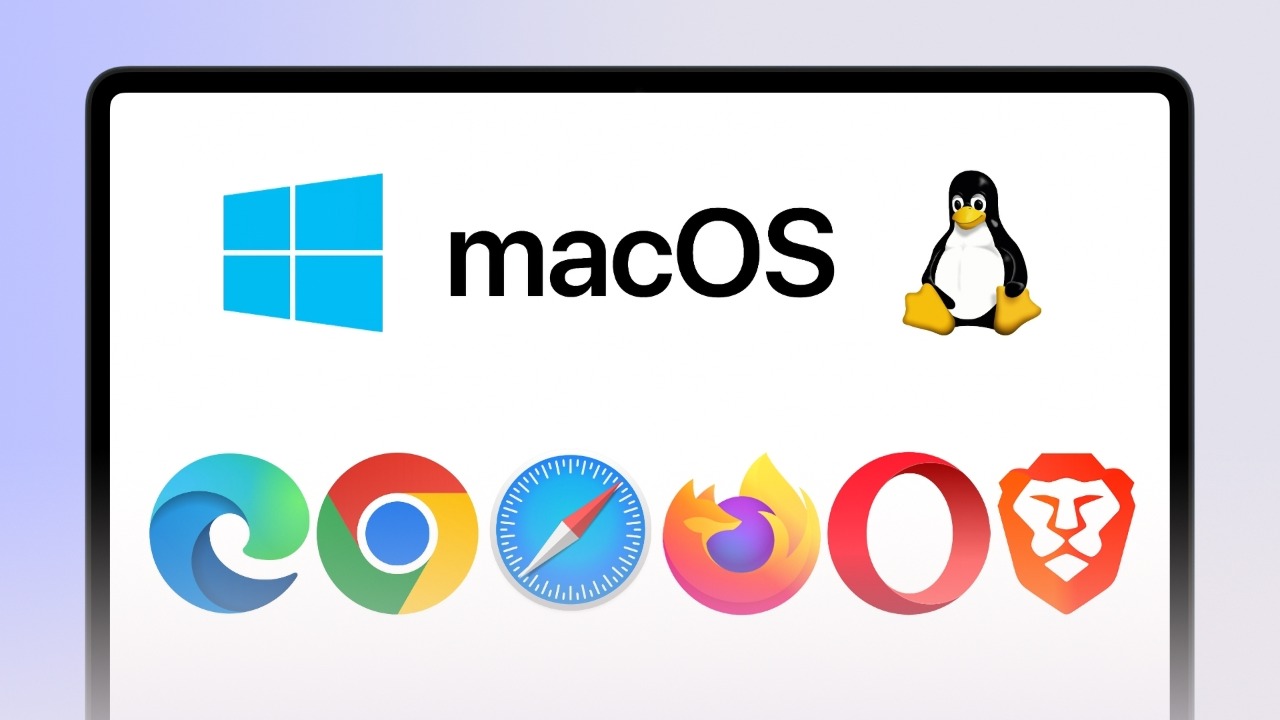
A hard refresh is different from a standard browser refresh, it forces the browser to ignore cached files and reload all page elements. Use the appropriate shortcut keys for Edge, Chrome, Safari, Firefox, Opera and Brave on Windows, macOS or Linux.
1
<p><strong>Operating System:</strong></p><ul><li><p>Windows</p></li><li><p>Linux</p></li></ul><p><strong>Browser:</strong></p><ul><li><p>Microsoft Edge</p></li><li><p>Google Chrome</p></li><li><p>Firefox</p></li><li><p>Brave</p></li><li><p>Opera</p></li></ul><blockquote><p><strong>Press Ctrl + Shift + R</strong></p></blockquote><p></p>

Operating System:

  • Windows

  • Linux

Browser:

  • Microsoft Edge

  • Google Chrome

  • Firefox

  • Brave

  • Opera

Press Ctrl + Shift + R

2
<p><strong>Operating System:</strong></p><ul><li><p>macOS</p></li></ul><p><strong>Browser:</strong></p><ul><li><p>Microsoft Edge</p></li><li><p>Google Chrome</p></li><li><p>Firefox</p></li><li><p>Brave</p></li><li><p>Opera</p></li></ul><blockquote><p><strong>Press Cmd + Shift + R</strong></p></blockquote><p></p>

Operating System:

  • macOS

Browser:

  • Microsoft Edge

  • Google Chrome

  • Firefox

  • Brave

  • Opera

Press Cmd + Shift + R

3
<p><strong>Operating System:</strong></p><ul><li><p>macOS</p></li></ul><p><strong>Browser:</strong></p><ul><li><p>Safari</p></li></ul><blockquote><p><strong>Press Cmd + Option + R</strong></p></blockquote><p></p>

Operating System:

  • macOS

Browser:

  • Safari

Press Cmd + Option + R