
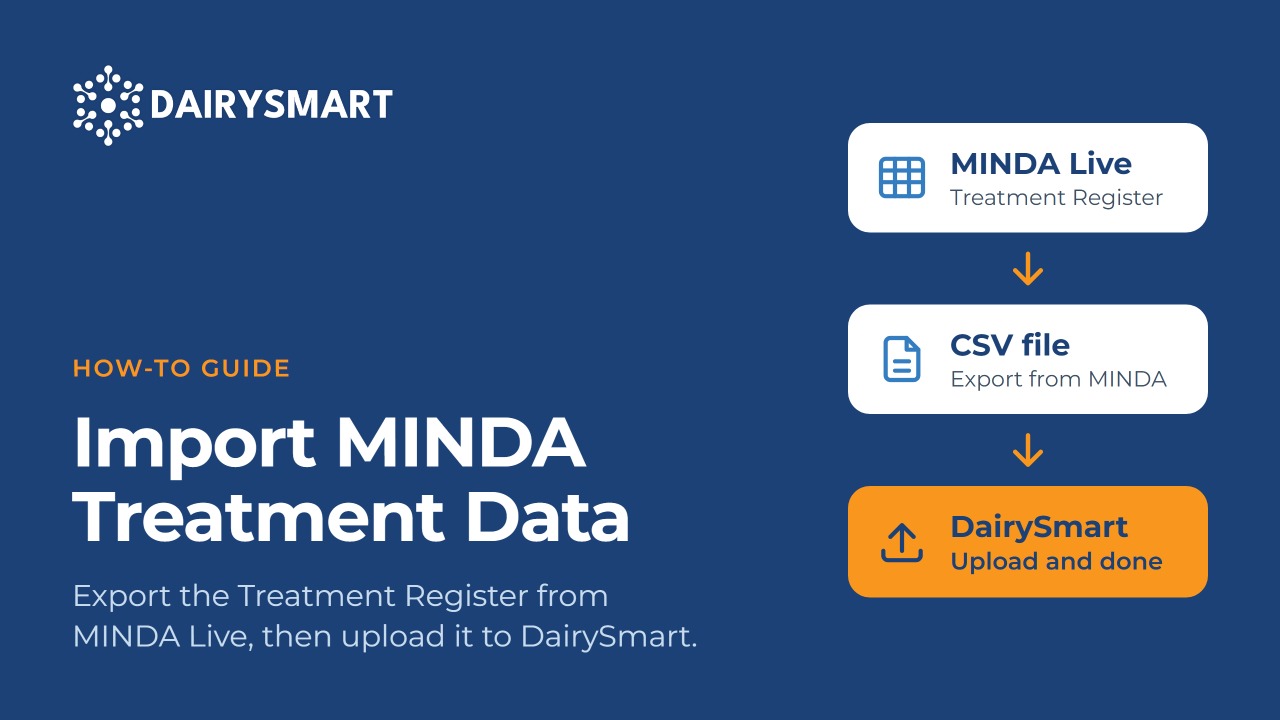
Import MINDA Treatment Data

2
Step 2 of 9
Pick your herd
Use the herd dropdown at the top if you have more than one herd.
3
Step 3 of 9
Open Reporting
Click the Reporting tile in the middle of the page.
4
Step 4 of 9
Open the Treatment Register
It's in the Health section of the reports list.
5
Step 5 of 9
Set the date range
Use the From and To boxes near the top to cover the current season.
6
Step 6 of 9
Choose the treatment types
Select the treatment types you want to export.
7
Step 7 of 9
Export as CSV
Click Print / Export at the top right, then Export as CSV. The file saves to your Downloads folder.
8
Step 8 of 9
Part 2 · In DairySmart
Start the treatment import
On the Import Data page, click Start under Treatment Data (Minda).
9
Step 9 of 9
Upload the file
Choose your farm, add the CSV you exported, then click Upload.