
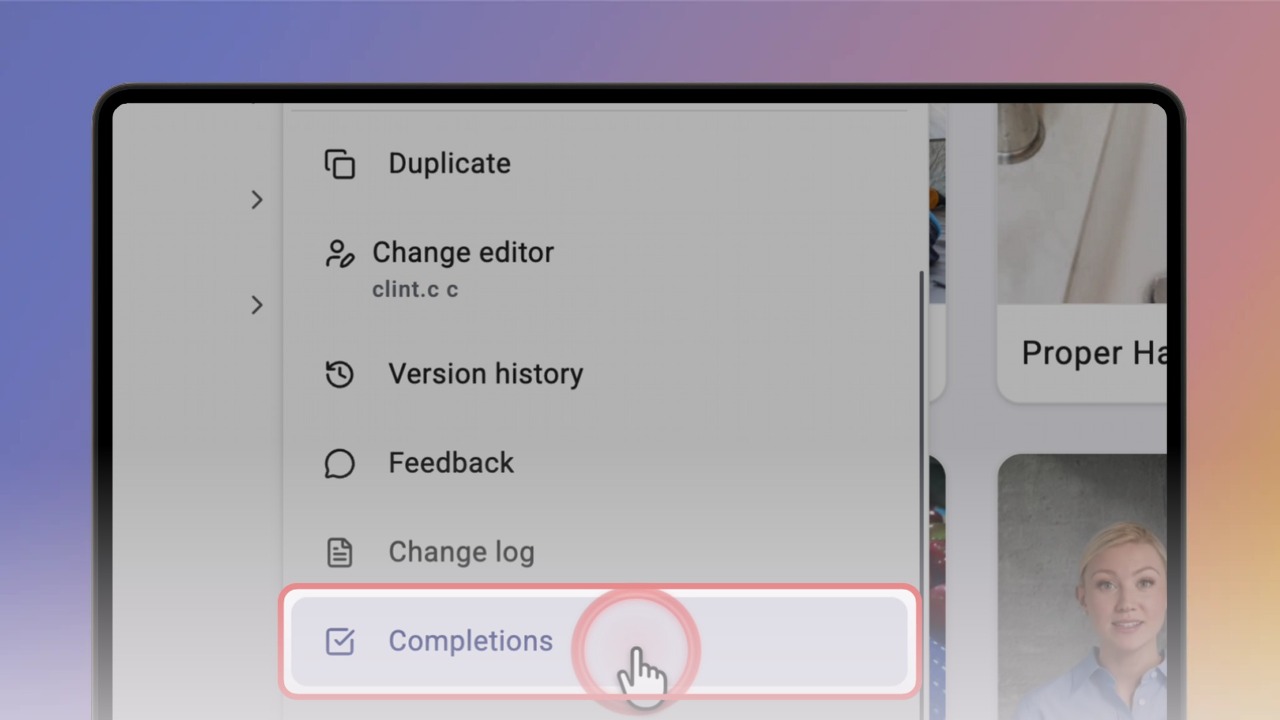
Hover over a knowby card, click ⋯ and select Completions. The Details panel opens with every completion of this knowby.
Tip: Only the knowby's Editor or an Admin can see completions.
Click › next to a record to open it. You'll see who completed the knowby, when, which version, and every answer they entered — read-only.
To see completions across your organisation, click Reports in the top bar, then Completions. The chart shows completions over time, and the table lists every record.
Click View next to any record to open the full completion.
Tip: Click Email PDF to send a copy.
To see a single knowby, open Knowby → Completions in the left menu and choose it in Select knowby.
Good to know: Reports are available to Admins on desktop. Click Download CSV to export the list.